

Collaboration tools in project management are coordination systems that create transparency, accountability, and team cohesion across the full project lifecycle. They are not simply communication channels. Higher frequency of collaboration tool use predicts measurable improvements in empathy and team cohesion, particularly in multicultural remote teams. That finding matters because it confirms the role of collaboration software extends well beyond task tracking into the social fabric of how teams perform. Pocketpmo is one platform built on this understanding, combining AI-driven automation with persistent decision records to support project managers from day one.
What is the role of collaboration tools in PM?
Collaboration tools do one thing above all else: they reduce the cost of coordination. Every project carries coordination overhead, the time spent chasing updates, clarifying decisions, and re-aligning after miscommunication. Effective collaboration tools create a persistent single source of truth rather than a stream of ephemeral messages. That shift from conversation to record is where most of the value lies.
The distinction matters in practice. A chat message confirms a decision in the moment. A decision register captures who made it, why, and what it affects. Without that persistence, teams fall into a failure mode where the last conversation dictates the truth, and earlier agreements disappear into scroll history. Collaboration tools function best as part of a coordination system with clear protocols, not as isolated communication apps.
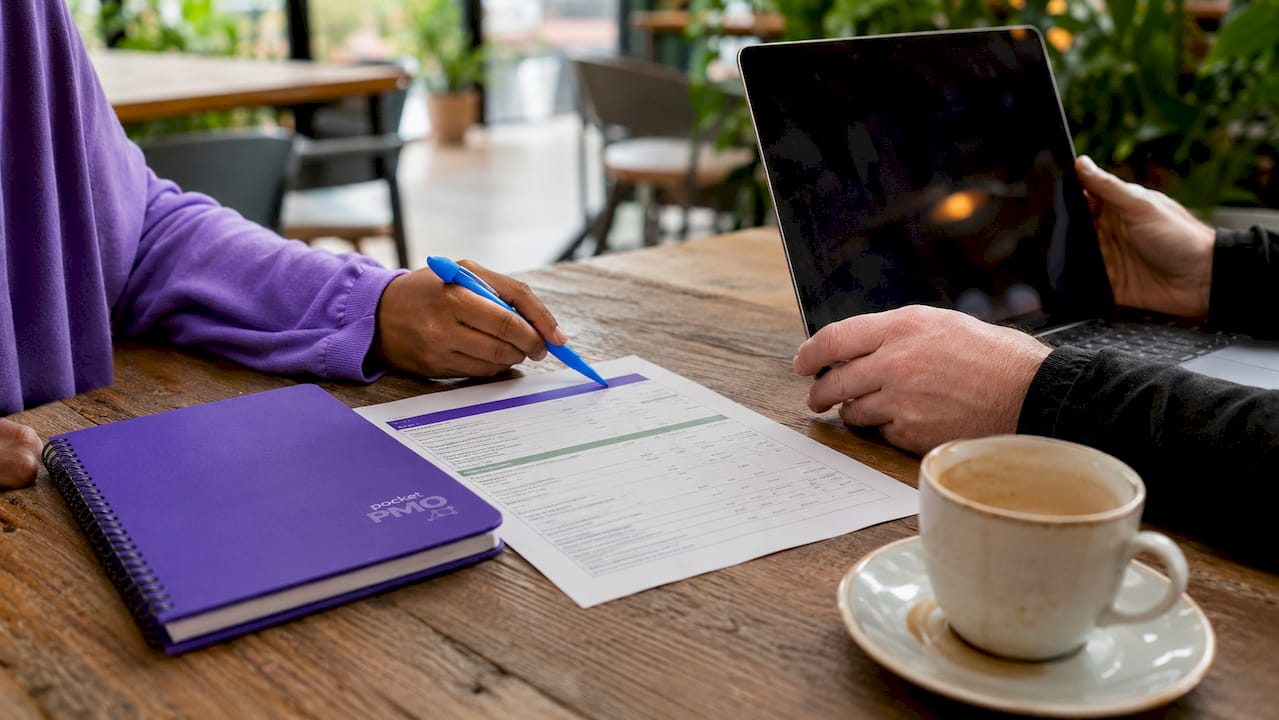
Project management collaboration also carries a socio-emotional dimension that is easy to underestimate. When teams use collaboration tools consistently and frequently, they build shared context. That shared context is the foundation for empathy, trust, and the kind of candid communication that surfaces risks early. The project collaboration workflow you design around your tools shapes how well that context is built and maintained.
How do collaboration tools reduce coordination friction?
Coordination friction is the invisible tax on every distributed team. It shows up as duplicated effort, missed handoffs, and decisions made without the right people in the room. Collaboration tools reduce coordination friction in remote work, but productivity gains depend on integrated tool and workflow alignment, not tool adoption alone. That is the finding most teams miss.
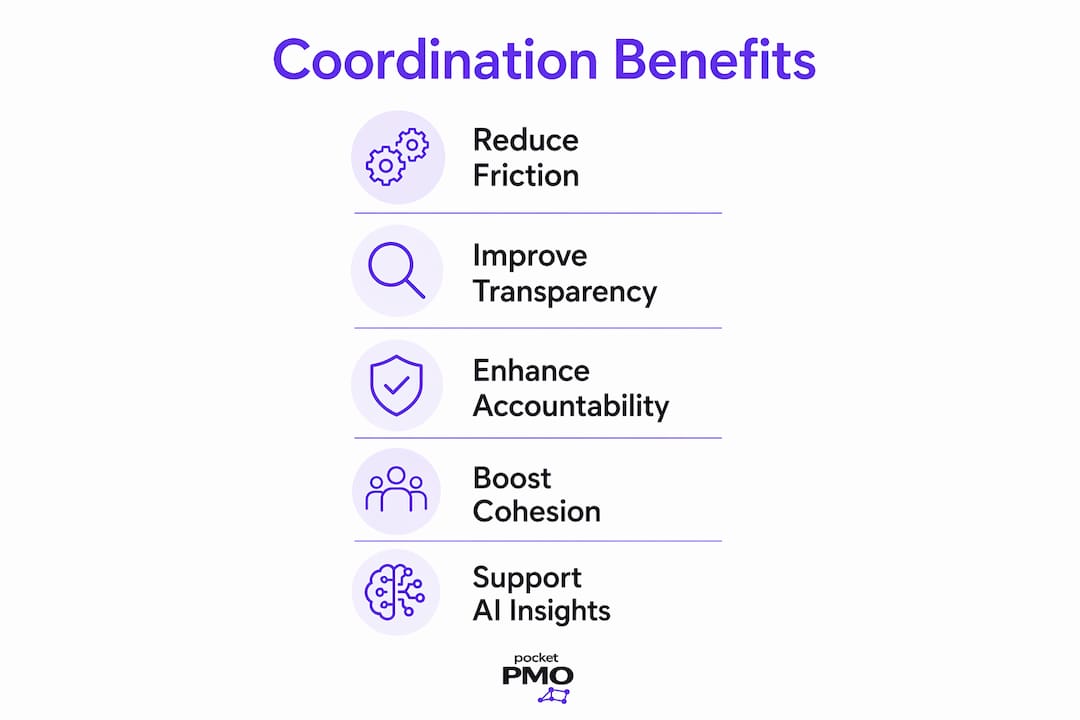
Workflow redesign is the critical companion to tool adoption. When you introduce a new platform without restructuring how tasks are assigned, tracked, and handed off, you add a layer of complexity rather than removing one. Task modularisation, breaking work into discrete, visible units with clear owners, is what makes collaboration tools deliver on their promise. Visual workflow boards and asynchronous communication channels support this by making task status visible without requiring a meeting.
Pro Tip: Before selecting any collaboration platform, map your current workflow and identify where decisions get lost or delayed. The tool should solve a specific coordination gap, not replace a process you have not yet defined.
The benefits of teamwork tools are most pronounced when teams combine synchronous and asynchronous channels deliberately:
- Synchronous channels (video calls, live chat) work best for ambiguous problems that need real-time dialogue.
- Asynchronous channels (threaded comments, task boards, decision logs) work best for status updates, approvals, and documented agreements.
- Visual workflow boards give the whole team a shared view of progress without requiring anyone to ask for an update.
- Task management workflows reduce coordination costs by making ownership and sequencing explicit from the start.
Mixing these channel types without a clear protocol creates fragmentation. The goal is not to use more tools. The goal is to use the right tool for the right type of communication, every time.
How should you govern collaboration tools to prevent fragmentation?
Tool governance is the practice of defining which tool holds final authority for each type of information. Without it, context fragments across platforms, and missed decisions become delivery problems. Fragmented context due to lacking tool governance increases the risk of missed decisions and delivery failures. That risk is not theoretical. It is the most common source of rework in distributed project teams.
The practical fix is to separate tools by purpose and assign each a clear role in your information architecture. The table below illustrates how that separation works in practice.
| Tool type | Primary purpose | Authoritative for |
|---|---|---|
| Live meeting platform | Real-time dialogue and decision-making | Meeting minutes (exported to record) |
| Asynchronous messaging | Clarifications and quick coordination | Transient context only |
| Decision register | Logging agreed outcomes and owners | Final decisions and rationale |
| Task board | Tracking work status and assignments | Current task ownership and progress |
| Status report | Communicating project health upward | Formal project record |
Separating collaboration tool functions by purpose reduces fragmentation and improves the reliability of your project record. The key discipline is treating chat and messaging as transient. Anything that matters must move to a persistent, authoritative layer before the conversation ends.
Information radiators, visible displays of project status accessible to the whole team, reinforce this governance model. They make the authoritative record the default reference point rather than the last message in a thread. Decision clarity and governance depend on teams knowing exactly where to look for the current truth on any given question.
Pro Tip: Assign a tool owner for each authoritative channel in your governance model. That person is responsible for keeping the record current and resolving conflicts when two sources disagree.
How does AI change trust dynamics in collaboration tools?
AI features in collaboration tools are now common. Automated task lists, performance flags, risk alerts, and progress summaries are available across many platforms. AI-mediated collaboration tools require trust calibration to prevent damage to informal accountability while improving task delegation and monitoring. Trust calibration is the ongoing process of deciding when to act on AI outputs and when to apply human judgement instead.
The risk is subtle. When AI surfaces a performance flag or a risk alert, teams can default to treating it as fact rather than as a signal worth investigating. That shift erodes the interpersonal accountability that makes teams function well. The person who would previously have raised a concern in a retrospective may stay silent because the system already flagged it.
Strategies for managing AI trust in collaboration tools include:
- Treat AI outputs as inputs, not conclusions. Use automated flags to prompt conversation, not to replace it.
- Preserve human review steps for decisions that affect people, priorities, or scope.
- Set team norms for how AI recommendations are discussed before action is taken.
- Monitor for technology adoption risks such as over-reliance on automated summaries at the expense of direct communication.
- Review AI performance flags in team settings rather than acting on them unilaterally, to maintain shared ownership of project health.
Leadership plays a decisive role here. The norms a project manager sets around AI outputs shape whether the team uses them as a thinking aid or as a substitute for thinking. Pocketpmo's AI features are designed to surface insights and flag risks while keeping the project manager in the decision seat, not removing them from it.
How do you choose the right collaboration tools for your project?
Selecting collaboration tools based on features or popularity is the most common mistake project managers make. The right tool depends on your delivery methodology, your team's working patterns, and where your current coordination gaps sit. Selecting collaboration tools should be aligned with project delivery methodologies and anchored to authoritative data ownership.
A structured selection process covers five areas:
-
Methodology fit. Agile teams need tools that support sprint boards, backlog management, and rapid iteration. Waterfall projects need Gantt-style scheduling and milestone tracking. Matching your project management methodology to your tool set prevents the friction of forcing a process into a platform designed for a different approach.
-
Authoritative data ownership. Before adopting any tool, establish which system holds the master record for tasks, decisions, and status. A tool that cannot serve as an authoritative source creates dependency on workarounds.
-
Synchronous and asynchronous balance. Evaluate whether the tool supports both modes well, or whether you need a complementary tool to cover the gap. Most teams need both, and most tools do one better than the other.
-
Integration with your existing portfolio. A collaboration tool that does not connect to your scheduling, reporting, or risk management systems adds manual effort. Assess integration capability before committing.
-
Investment sequencing. Underinvesting in foundational collaboration suites reduces the effectiveness of AI and automation capabilities built on top of them. Get the core platform right before adding advanced automation layers.
The best tools for project management are not the ones with the longest feature list. They are the ones your team will actually use consistently, within a governance model that keeps information authoritative and decisions traceable.
Key takeaways
Collaboration tools deliver their greatest value when they function as a governed coordination system, not a collection of communication apps.
| Point | Details |
|---|---|
| Single source of truth | Assign each tool a clear authoritative role to prevent decisions from being lost in chat history. |
| Workflow redesign is required | Adopting tools without restructuring workflows produces fragmentation, not productivity gains. |
| AI requires trust calibration | Treat AI outputs as signals to investigate, not conclusions to act on without human review. |
| Methodology fit matters | Match your collaboration tools to your delivery approach before evaluating features or pricing. |
| Invest in foundations first | Foundational collaboration suites must be solid before AI and automation layers can add value. |
Why I think most teams are using collaboration tools backwards
Most project teams I have worked with adopt collaboration tools to solve a communication problem. They pick a platform, migrate their conversations to it, and expect coordination to improve. It rarely does, at least not in the way they hoped.
The real problem is almost never communication volume. It is decision traceability. Teams lose track of what was agreed, who owns it, and why a choice was made three weeks ago. No amount of messaging solves that. What solves it is a deliberate governance model where every significant decision moves from conversation to record before the meeting ends.
The second thing I have learned is to protect non-digital collaboration spaces. Live retrospectives remain critical for surfacing interpersonal friction that never appears in a task board. When teams digitise everything, they often lose the space where honest, unstructured conversation happens. That space is where trust is actually built. No tool replaces it.
My advice: treat your collaboration tools as infrastructure, not as the solution. The solution is the governance model, the team norms, and the discipline to move transient communication into authoritative records. The tools just make that discipline easier to maintain at scale.
— Danny
Pocketpmo: a fully operational PMO for modern project teams
Project managers who want the coordination benefits described in this article without building a governance model from scratch have a direct option.
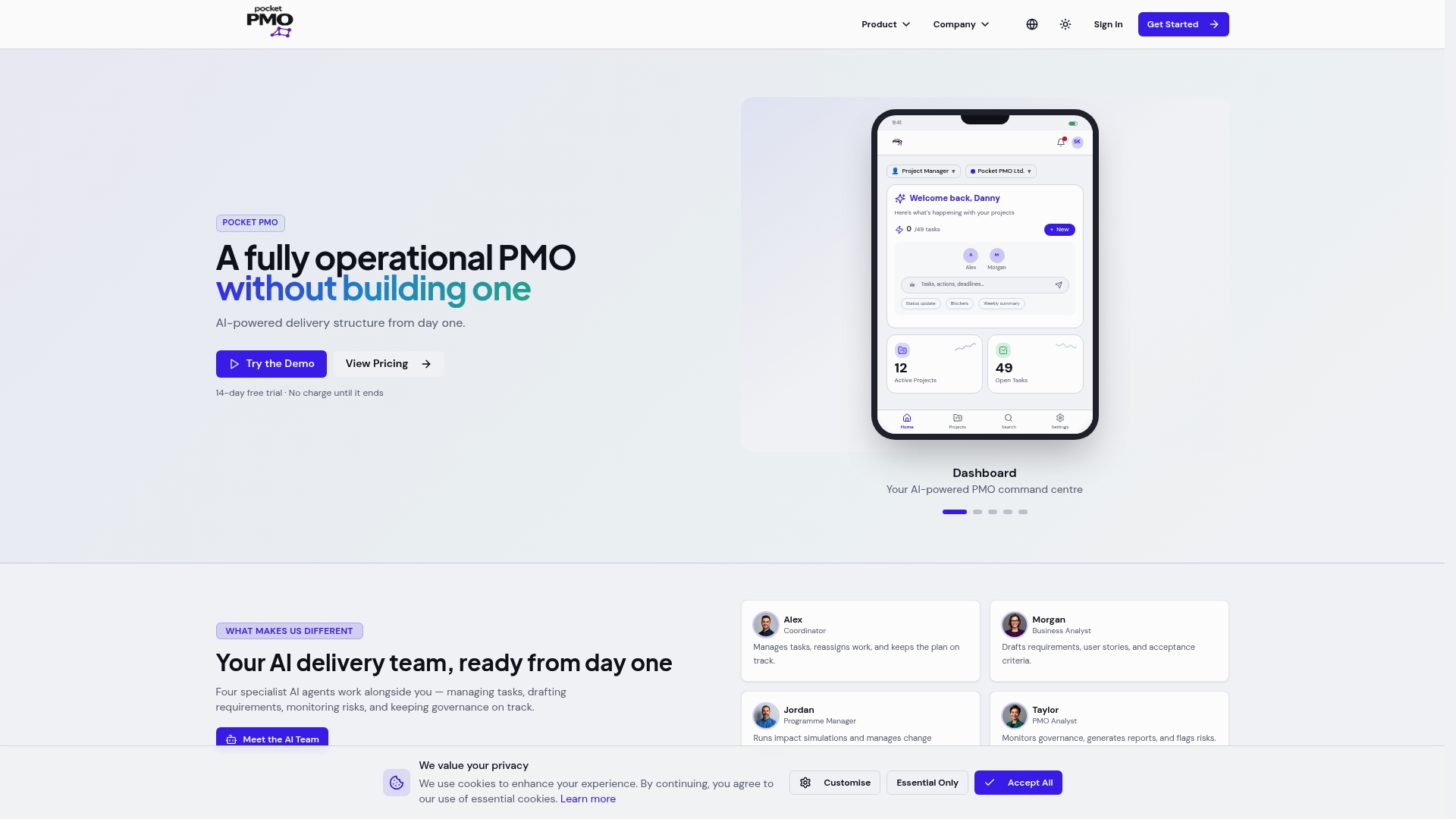
Pocketpmo delivers a fully operational PMO without the overhead of building one internally. The platform combines AI-driven risk analysis, decision logging, task management, and real-time dashboards in a single governed environment. Every feature is designed to keep authoritative information visible and decisions traceable. If you want to see how Pocketpmo handles collaboration, risk, and delivery in practice, the AI team demo shows the full capability in a live project context.
FAQ
What is the primary role of collaboration tools in project management?
Collaboration tools in project management act as coordination systems that create a persistent single source of truth for decisions, tasks, and project status. Their primary role is to reduce coordination friction and maintain accountability across distributed teams.
How do collaboration tools improve team cohesion?
Higher frequency of collaboration tool use predicts measurable improvements in empathy and team cohesion, particularly in multicultural and remote teams. The effect is socio-emotional as well as operational.
What is tool governance in project management?
Tool governance is the practice of assigning each collaboration tool a defined purpose and authoritative role within your information architecture. It prevents context from fragmenting across platforms and reduces the risk of missed decisions.
How should AI features in collaboration tools be managed?
AI outputs in collaboration tools should be treated as signals that prompt human review, not as conclusions that replace it. Trust calibration, the ongoing process of balancing AI recommendations with human judgement, is the key discipline for teams adopting AI-powered features.
How do you select the best collaboration tools for a project?
Select collaboration tools based on your delivery methodology, authoritative data ownership requirements, and the balance of synchronous and asynchronous work your team needs. Feature lists and popularity are poor proxies for fit.