

A project collaboration workflow is the structured process teams use to coordinate tasks, share information, and make decisions together to achieve a shared goal. Without this structure, even talented teams lose time to duplicated effort, missed handoffs, and decisions made without the right people in the room. The SMART goals framework, formal governance gates, and centralised project workspaces are the three pillars that separate high-performing collaborative project management from organised chaos. Get these right, and your team spends less time chasing context and more time delivering.
What are the essential components of a project collaboration workflow?
Every effective project collaboration workflow shares the same core building blocks. Miss one, and the whole structure weakens.
Clear, measurable goals

SMART goals give your team a shared definition of success. A concrete example: reducing cross-functional request response times to under 24 hours within a quarter. That specificity removes ambiguity and gives everyone a target they can track daily.
Defined roles and decision authority
Every task needs an owner, and every decision needs someone with the authority to make it. Without this, work stalls at review stages and accountability disappears into group consensus.
Communication norms
Your team needs agreed rules for which channel carries which type of message, and what response time is expected. This is not about preference. Balancing sync and async communication protects deep work periods and prevents the false assumption that constant availability equals good collaboration.
Visible progress tracking and shared documentation
Progress must be visible to everyone, not just the project lead. Shared documentation means decisions, risks, and updates live in one place rather than scattered across email threads and personal drives.
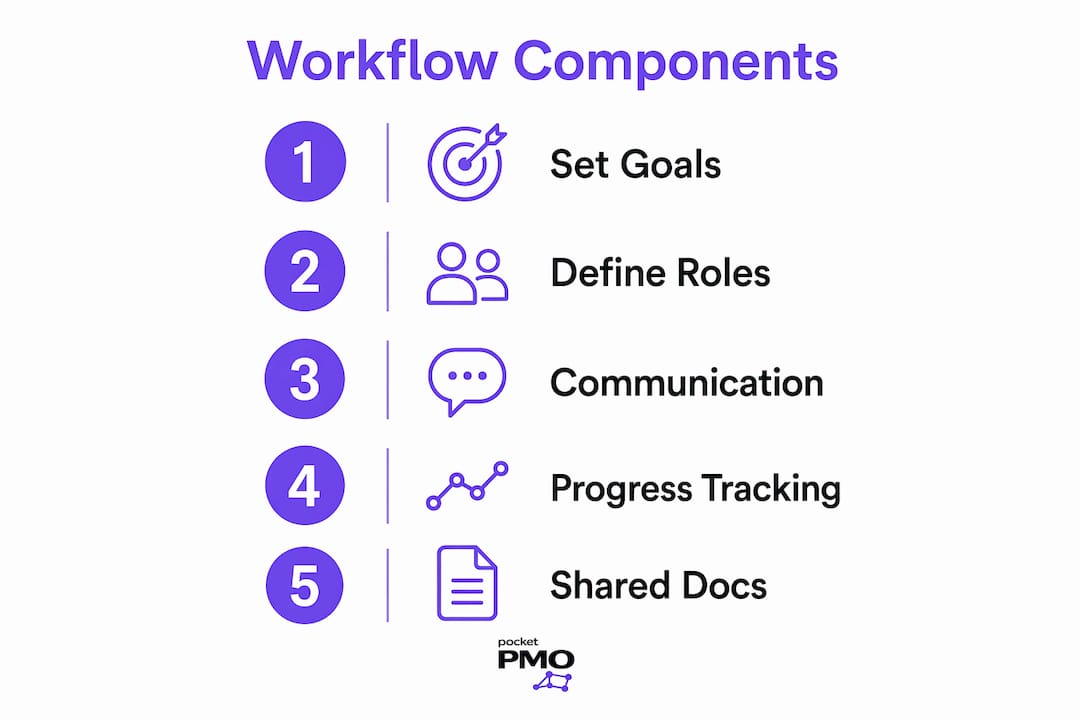
Regular synchronisation points
Weekly stand-ups, sprint reviews, and retrospectives are not optional extras. They are the moments where the team recalibrates, surfaces blockers, and confirms the workflow is still serving the project.
- Set SMART goals with measurable targets and clear deadlines
- Assign a named owner to every task and decision point
- Agree communication channels and expected response times in writing
- Maintain a single shared workspace for documents, decisions, and updates
- Schedule regular retrospectives to review and adapt the workflow
Pro Tip: Document your communication norms in your project charter at the start. Teams that agree these rules upfront spend far less time resolving misunderstandings mid-project.
Which tools best support efficient project collaboration workflows?
The right tools reduce friction. The wrong ones create it. The table below maps common workflow needs to the category of tool that addresses each one.
| Workflow need | Tool category | What it does |
|---|---|---|
| Task and project tracking | Project management platform | Centralises tasks, owners, deadlines, and status updates |
| Real-time team communication | Messaging and video tools | Supports quick decisions and synchronous discussion |
| Document creation and review | Collaborative document editors | Enables simultaneous editing and version control |
| Risk and issue tracking | RAID log or risk register | Captures risks, assumptions, issues, and dependencies |
| Visual planning | Gantt chart or Kanban board | Shows sequencing, dependencies, and workload at a glance |
Project collaboration tools reduce friction by uniting tasks, updates, and documentation in one platform. That matters because teams waste significant time switching between disconnected systems to find the information they need.
Centralised project workspaces allow teams to align on goals, track dependencies, and avoid chasing scattered information. Shared context is the core enabler of efficient collaboration, not the volume of meetings.
Tool sprawl is a real risk. Adding a new tool for every new problem creates more noise, not less. Before adopting any platform, map it to a specific process gap. If it does not close a gap, it creates one.
Pro Tip: Audit your current tool stack every quarter. If a tool is not actively used by at least half the team, retire it. Unused tools fragment attention without adding value.
How to implement a project collaboration workflow step by step
A well-built workflow follows the project lifecycle from initiation to close. Each step below builds on the last.
-
Start with a project charter. Define the project's purpose, scope, and success criteria before any work begins. A project charter template gives your team a structured starting point and prevents scope creep from the first week.
-
Set SMART goals. Translate the charter's objectives into specific, measurable targets. Attach a deadline and a named owner to each one. Vague goals produce vague results.
-
Break work into tasks and assign ownership. Decompose each goal into discrete tasks. Every task needs one owner, not a group. Groups own nothing; individuals own everything.
-
Choose your views and organise information. Different teams work differently. Some prefer Kanban boards for flow-based work; others use Gantt charts for dependency-heavy projects. Match the view to the team's natural working style, not the other way around.
-
Track progress through regular updates. Require brief written status updates at a fixed cadence, daily or twice weekly. Asynchronous updates reduce the need for meetings while keeping everyone informed.
-
Run retrospectives and adapt. At the end of each phase or sprint, review what worked and what did not. Efficient project workflows are not set once and forgotten. They evolve with the team.
Two additional practices make the difference between a workflow that lasts and one that collapses under pressure:
- Use a living risk register with an assigned owner who is empowered to escalate or pause work if a critical risk is unmet
- Review your project collaboration checklist at each governance gate, not just at project close
What common challenges arise in project collaboration workflows?
Most workflow failures are predictable. Knowing the patterns helps you avoid them.
Mistaking checklists for governance gates
A checklist is a list of criteria. A governance gate is a formal decision point based on checklist evidence, where someone with authority either approves or pauses the project. Treating a checklist as a gate without assigning that authority produces box-ticking without risk mitigation. The person reviewing the checklist must have the power to act on what they find.
Overly rigid workflows
Rigid or disconnected workflows reduce team engagement and productivity. A workflow that does not bend to the team's natural rhythm becomes an obstacle rather than a support. Build in flexibility at the review stage, not as an afterthought.
Confusing availability with collaboration
Many teams equate constant availability with good collaboration. The result is a culture of interruption where deep work is impossible. Sustainable collaboration explicitly balances synchronous and asynchronous communication to protect focus and reduce burnout.
Information silos
When decisions, documents, and updates live in different places, teams waste time reconstructing context. The fix is a single shared workspace where everything is visible and searchable.
"Effective collaboration transcends communication: it is about establishing shared context where decisions, tasks, and documents are visible to all team members."
Static checklists
Living checklists maintained by an assigned owner improve delivery discipline and risk control. Static checklists, completed once and filed away, miss the risks that emerge mid-project. Assign an owner. Update the checklist. Give that owner the authority to halt work if critical criteria are unmet.
The types of project management workflows you choose also affect which challenges you are most likely to face. Waterfall workflows are vulnerable to late-stage risk discovery; agile workflows are vulnerable to scope drift. Know your workflow type and plan for its specific failure modes.
Key takeaways
A structured project collaboration workflow, built on SMART goals, clear ownership, and a centralised workspace, is the single most reliable way to improve team delivery outcomes.
| Point | Details |
|---|---|
| Define goals with SMART criteria | Set specific, measurable targets with deadlines and named owners from day one. |
| Separate checklists from governance gates | Assign someone with authority to act on checklist findings, not just review them. |
| Centralise all project information | Keep tasks, decisions, and documents in one shared workspace to eliminate silos. |
| Balance sync and async communication | Protect deep work by agreeing which conversations need a meeting and which do not. |
| Treat workflows as living documents | Review and adapt your workflow at each project phase based on team feedback. |
The workflow trap most teams never see coming
The most common mistake I see project leads make is building a workflow for the project they wish they had, not the team they actually have. A beautifully documented process that nobody follows is worse than no process at all. It creates the illusion of governance without the substance.
What actually works is starting with the minimum viable workflow: a project charter, a task list with owners, and a single place where updates live. Then you add structure as the team demonstrates it needs it. Not before.
The second thing I have learned is that governance gates are worth far more than most teams realise. Industry standards recommend a 20-item pre-launch checklist reviewed in a dedicated binary meeting that either approves or pauses project progression. Most teams skip this entirely and wonder why projects drift. The gate is not bureaucracy. It is the moment where you confirm the project is still worth doing before you commit more resource to it.
The third lesson is about shared context. The teams I have seen deliver consistently well are not the ones with the most meetings. They are the ones where any team member can open the project workspace and understand the current state in under two minutes. That is the real measure of a healthy collaboration workflow.
— Danny
How Pocketpmo supports your project collaboration workflow
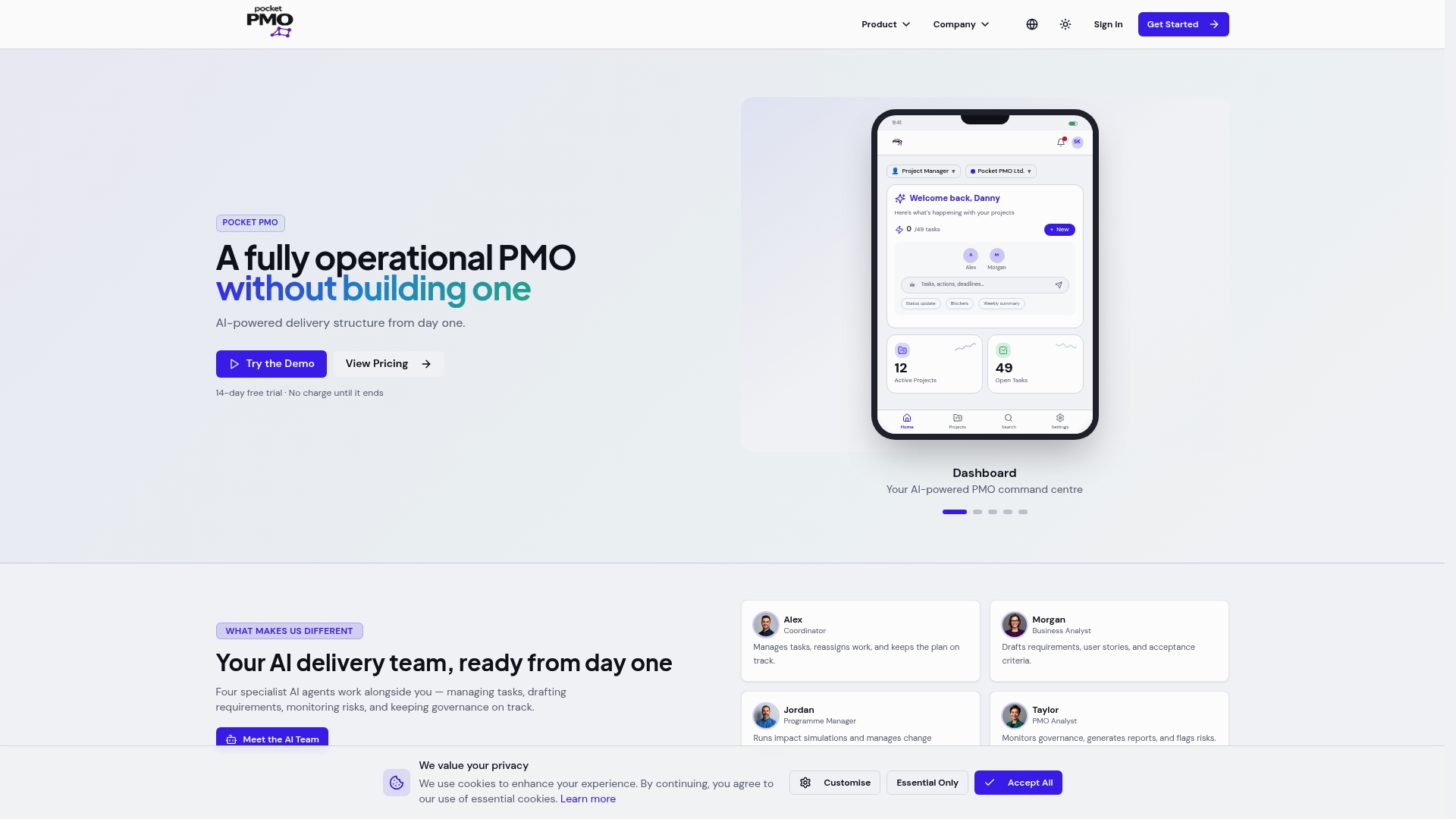
Pocketpmo gives project leads and teams a fully operational AI-powered PMO without the overhead of building one from scratch. The platform connects goals, tasks, risks, and decisions in a single workspace, so your team always has shared context. AI-driven risk analysis surfaces issues before they become blockers, and living checklists with accountability tracking replace static forms. Status reporting is auto-generated, freeing your team to focus on delivery rather than administration. If you want to see how it works in practice, explore the AI team demo or review why Pocketpmo fits teams managing complex, multi-project environments.
FAQ
What is a project collaboration workflow?
A project collaboration workflow is the structured process a team uses to coordinate tasks, communicate decisions, and share information to deliver a project goal. It defines roles, communication norms, and progress tracking in one repeatable system.
What should a project collaboration checklist include?
A pre-launch checklist covers foundation, resources, execution, and risk control criteria. Industry standards recommend 20 items reviewed at a formal governance gate before project progression is approved.
How do you improve team collaboration on projects?
Set SMART goals, assign clear ownership to every task, and centralise all updates and documents in one shared workspace. Agreeing communication norms at the start removes the most common sources of delay and misalignment.
What is the difference between a checklist and a governance gate?
A checklist lists the criteria a project must meet. A governance gate is the formal decision point where someone with authority reviews that checklist and either approves or pauses the project based on the evidence.
How often should a project collaboration workflow be reviewed?
Review your workflow at the end of each project phase or sprint. Workflows that are never updated become obstacles; those reviewed regularly stay aligned with how the team actually works.