

Most project status reports are, at best, a snapshot of what someone thought was true last Friday. They miss emerging blockers, underweight risks buried in comment threads, and offer no early warning before a deadline slips. A project agent changes this entirely. Rather than waiting for a human to compile updates, an AI-driven project agent continuously monitors your tools, aggregates signals, and surfaces what actually matters. If you are managing multiple projects and still relying on manual reporting cycles, this guide explains how project agents work and why the shift to AI-powered oversight is less complex than you might expect.
Table of Contents
- What is a project agent and how does it work
- Key capabilities and architecture of effective project agents
- Managing long-running workflows and multi-project coordination
- Governance, risk management, and human-in-the-loop approvals
- Practical steps for adopting and scaling project agents in your organisation
- Rethinking project management with AI agents: a personal view
- Boost your projects with Pocket PMO's AI-driven solutions
- Frequently asked questions
Key Takeaways
| Point | Details |
|---|---|
| Project agent fundamentals | Project agents automate planning, tracking, and risk assessments using AI to provide better project visibility. |
| Core capabilities | Key functions include aggregating status, detecting deadline risks, drafting updates, and sending reminders. |
| Long-running workflows | Durable state machines and persistent sessions let agents handle multi-day tasks without losing context. |
| Governance integration | Human-in-the-loop approvals for high-risk actions ensure safety while allowing most tasks to run autonomously. |
| Practical adoption | Successful deployment involves careful tool integration, team training, and scaling one agent across multiple projects. |
What is a project agent and how does it work
A project agent is an AI system that automates planning, scheduling, risk assessment and progress tracking across your active projects. It is not a chatbot that answers questions on demand. It is an autonomous programme that runs on a schedule, reasons over connected data sources, and takes targeted actions without waiting to be asked.
The architecture typically runs in four layers:
- Planner: Decides what the agent should do next based on current project state and configured rules.
- Executor: Carries out tasks such as pulling ticket data, calculating schedule variance, or drafting a status update.
- Knowledge base: Stores project context, team preferences, historical patterns, and prior decisions for reference.
- Integrations: Connects to your existing tools, from task trackers to communication platforms, so the agent works with live data rather than stale exports.
The practical capabilities this unlocks include automated project status reporting, deadline risk detection, communication drafting, and proactive nudging of team members when tasks are overdue or dependencies are blocked. Crucially, a well-designed project agent augments your judgement rather than bypassing it. It prepares the picture; you make the call.
This distinction matters enormously. The role of a project agent is not to replace your project management representative or senior PM. It is to eliminate the hours spent collating updates so that human attention goes where it is genuinely needed.
Key capabilities and architecture of effective project agents
Understanding the agent's role lays the foundation for a deeper look at how these capabilities are architected and implemented. The four operational capabilities of a well-built project agent are:
- Status aggregation: Pulling data from all connected tools and producing a unified view of progress, blockers, and completion rates across projects.
- Deadline risk detection: Analysing velocity, task dependencies, and resource availability to flag projects at risk of missing milestones before they actually do.
- Communication drafting: Auto-generating status updates, escalation messages, and stakeholder summaries that you review and send, rather than write from scratch.
- Nudging: Sending targeted prompts to team members when a task has stalled, an approval is pending, or a dependency is unresolved.
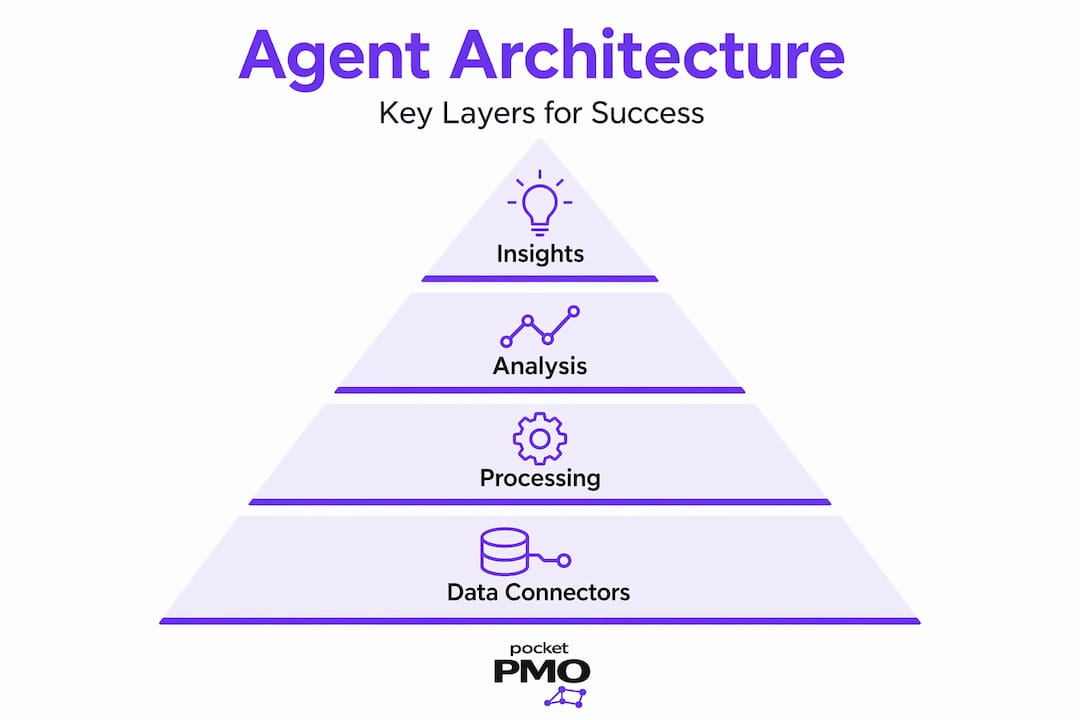
These four capabilities sit on top of three architectural layers that determine how reliable and useful the agent actually is:
| Layer | What it does | Example data sources |
|---|---|---|
| Data connectors | Pulls live data from project and communication tools | Jira, Asana, GitHub, Slack, Calendar |
| Intelligence engine | Reasons over that data to detect patterns, risks, and next actions | AI model with project-specific context |
| Memory and learning | Retains project history, team behaviour patterns, and past decisions | Persistent store updated after each cycle |
The table above shows common data sources, but the key insight is what each one contributes. Jira and Asana give you ticket status and assignees. GitHub provides commit frequency and pull request age as evidence of actual progress. Slack surfaces conversation signals and unresolved blockers. Calendar data reveals upcoming deadlines, leave periods, and resource conflicts.
Good AI project tracking strategies combine all of these rather than trusting any single source in isolation.
Pro Tip: Schedule your agent to run at a sensible cadence, typically every four to eight hours for active projects, not every five minutes. Overly frequent cycles generate alert fatigue and cause teams to dismiss notifications that actually matter.
Managing long-running workflows and multi-project coordination
With architecture described, it is vital to address how agents reliably handle real-world long-running and multi-project scenarios. This is where many basic implementations break down.

Production-grade agents use durable state machines and persistent session storage to pause, resume, and never lose context in long workflows. For a project spanning several months, this matters considerably. The agent needs to recall what it knew last week, what actions it already took, and which risks it has already flagged to avoid re-alerting on resolved items.
Key design patterns that support this include:
- Checkpoint mechanisms: The agent saves its full state at the end of each cycle, allowing it to resume correctly after system restarts or idle periods.
- Event-driven idle states: Rather than polling constantly, the agent waits for a trigger, such as a ticket update or calendar event, before re-activating.
- Multi-agent delegation: For very large portfolios, a coordinating agent distributes work to sub-agents, each responsible for a defined set of projects, and aggregates their outputs.
- Asynchronous task handling: Platform-enforced timeouts, often around 300 seconds in UI-based environments, require that heavy processing runs asynchronously and reports results back when complete.
For multi-project coordination specifically, the cleanest approach is one agent with project-specific configuration files rather than separate agent instances for each project. This gives you consistent governance and a single point of oversight, whilst still allowing each project's thresholds, templates, and escalation paths to be tailored independently.
The Pocket PMO features page outlines how this kind of multi-project architecture is applied in practice, including configuration management across portfolios.
Pro Tip: Treat idle time as a first-class design concern, not an afterthought. An agent that handles 20-minute tasks flawlessly but crashes after a two-day weekend break is not production-ready. Build your checkpoint logic before you build your intelligence layer.
Governance, risk management, and human-in-the-loop approvals
Effective project agents rely on strong governance to balance autonomy with necessary human checks, ensuring trust and safety. Without this, even a technically excellent agent will erode confidence quickly.
Human-in-the-loop patterns recommend routing only high-risk decisions for approval while allowing most actions to proceed autonomously. In practice, this means classifying every potential action the agent might take and deciding upfront which category it falls into.
A practical governance framework works as follows:
- Classify the action: Is it informational (safe to send), advisory (review recommended), or consequential (approval required)?
- Draft with context: For any action requiring review, the agent produces a full draft including the rationale, the data it relied on, and the alternatives it considered.
- Approve or redirect: The project manager reviews and either confirms, edits, or redirects.
- Execute and log: Once approved, the agent acts and records the full decision trail for audit purposes.
"Approvals are only useful if they contain all the relevant rationale, the data the agent used, and the alternatives it considered. An approval request that just says 'send this update?' is not governance. It is noise."
Routing roughly 5 to 15 per cent of actions through human review strikes the right balance. Lower than that, and you may be allowing consequential actions to run unchecked. Higher than that, and you have simply created a slower version of manual project management.
SLA timers on pending approvals are essential. If a PM does not respond within a defined window, the agent should either escalate or default to a safe fallback action rather than stalling indefinitely. For deeper thinking on risk management in projects, the principles of classification and escalation paths apply equally to both human and AI-driven workflows.
Practical steps for adopting and scaling project agents in your organisation
With governance covered, let us consider how to practically introduce and expand project agents in your environment.
- Connect your trackers: Start with your primary task management tool. Use its API or a middleware layer to give the agent read access to tickets, milestones, and assignees.
- Define your templates: Specify the format for status updates, risk flags, and escalation messages. The agent will use these as output scaffolding.
- Set your cron loops: Configure the agent's operating schedule and define what triggers an out-of-cycle alert.
- Add communication integration: Connect Slack, Teams, or email so the agent can deliver outputs directly rather than writing to a log nobody reads.
- Enable velocity tracking: Once the agent has two to three weeks of data, activate trend analysis to detect slowdowns before they become delays.
When comparing tool integrations, the API maturity of your chosen platform matters significantly:
| Tool | API depth | Webhook support | Custom field access |
|---|---|---|---|
| Jira | Extensive | Yes | Yes |
| Asana | Good | Yes | Limited |
| Notion | Basic | Partial | Yes |
Integrating PM AI agents with APIs and middleware for tools like Jira, Slack, and calendars allows you to scale one agent across projects with tailored configurations rather than rebuilding from scratch each time.
Common pitfalls to avoid:
- Trusting ticket status as a proxy for real progress. An open ticket that has had no commits, comments, or updates in ten days is a risk, regardless of its label.
- Operating without a single source of truth. If the agent pulls from five tools with inconsistent data, its outputs will be unreliable.
- Over-alerting in the early weeks. Tune your thresholds before rolling out to stakeholders, or you will spend the first month explaining false positives.
Knowing that tracking risks is essential to project success, the agent should be configured to surface risk signals from multiple sources rather than relying on a single field in your tracker.
Pro Tip: Train your agent using real examples of your team's own update language and risk escalations. A generic template produces generic outputs. Fifteen to twenty examples from your actual project history will dramatically improve the relevance and tone of what the agent produces.
Rethinking project management with AI agents: a personal view
Here is something worth saying plainly: AI agents do not make project managers redundant. They make bad project management more visible, and good project management considerably more effective.
The temptation, once an agent is running, is to trust its outputs uncritically because they arrive packaged with data and confidence. That is a mistake. AI agents only become successful when project managers actively shape the workflows and align recommendations to real processes. The agent surfaces patterns. The PM interprets them in context.
"The project manager's role shifts from information gatherer to signal interpreter. That is not a lesser role. It is a more valuable one."
There is also a less-discussed lesson about evidence signals. Most early-stage agent deployments fail not because the AI is wrong, but because the underlying data quality is poor. Teams that update ticket statuses without adding comments, close items without linking commits, or skip retrospectives leave the agent reasoning over artefacts rather than reality. The AI project tracking strategies that produce the best results are built on signal-rich data habits, not just clever algorithms.
Finally, the engineering discipline required to build durable, event-driven agents is genuinely underestimated. The agents that hold up under real workload conditions are the ones where idle time, failure recovery, and state persistence were designed from the start, not bolted on after the first production incident.
Boost your projects with Pocket PMO's AI-driven solutions
Having explored the broad landscape of project agents, including architecture, governance, and scaling patterns, the practical challenge remains: building and maintaining all of this in-house takes significant time and expertise.
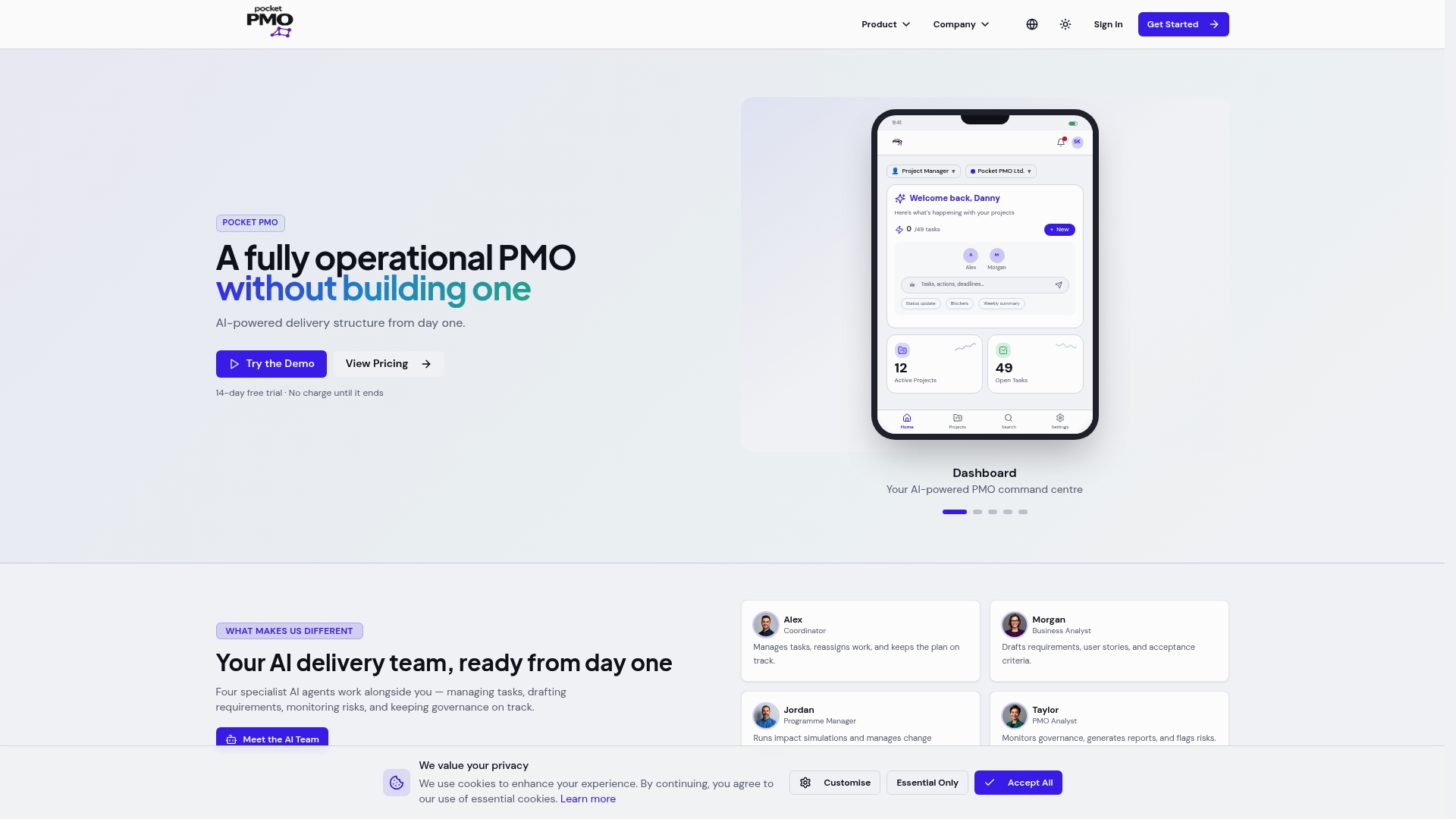
Pocket PMO delivers an AI-powered PMO out of the box, so your team gains project agent capabilities from day one without the infrastructure overhead. Key benefits include:
- Automated status aggregation across your connected tools, updated continuously.
- AI-driven risk detection that flags schedule and resource risks before they escalate.
- Built-in governance workflows with human-in-the-loop approvals and full audit trails.
- Multi-project oversight with portfolio dashboards and per-project configuration.
- Reduced admin time so your PMs focus on decisions, not data collection.
You can see how Pocket PMO compares on Pocket PMO vs Monday.com, or review how AI is applied responsibly in the platform via the Pocket PMO AI policy.
Frequently asked questions
What exactly does a project agent do?
A project agent automates planning, scheduling, and monitoring tasks within projects by integrating multiple tools and providing timely risk alerts, status summaries, and proactive nudges to keep work on track.
How do project agents handle long-running projects without losing context?
They use durable state machines and persistent session storage that allow the agent to pause during idle periods and resume exactly where it left off, retaining full project context across days or weeks.
What role do humans play in AI-driven project agent workflows?
Humans handle approval of high-risk or consequential actions, while the agent autonomously executes routine tasks, maintaining a balance between operational efficiency and essential oversight.
Can one project agent manage multiple projects simultaneously?
Yes. Scaling one agent across multiple projects with tailored configurations is efficient and practical, giving each project its own thresholds and templates while preserving a single governance layer for the whole portfolio.