
Managing multiple projects, portfolios, and reporting across teams is difficult with rigid project software and manual updates. Most project management platforms force teams onto locked workflows or make cross-tool reporting and AI powered insights hard to access without custom development. This comparison covers features, methodology support, and reporting models so you can match a platform to your delivery structure and governance requirements.
Table of Contents
Pocket PMO
At a Glance
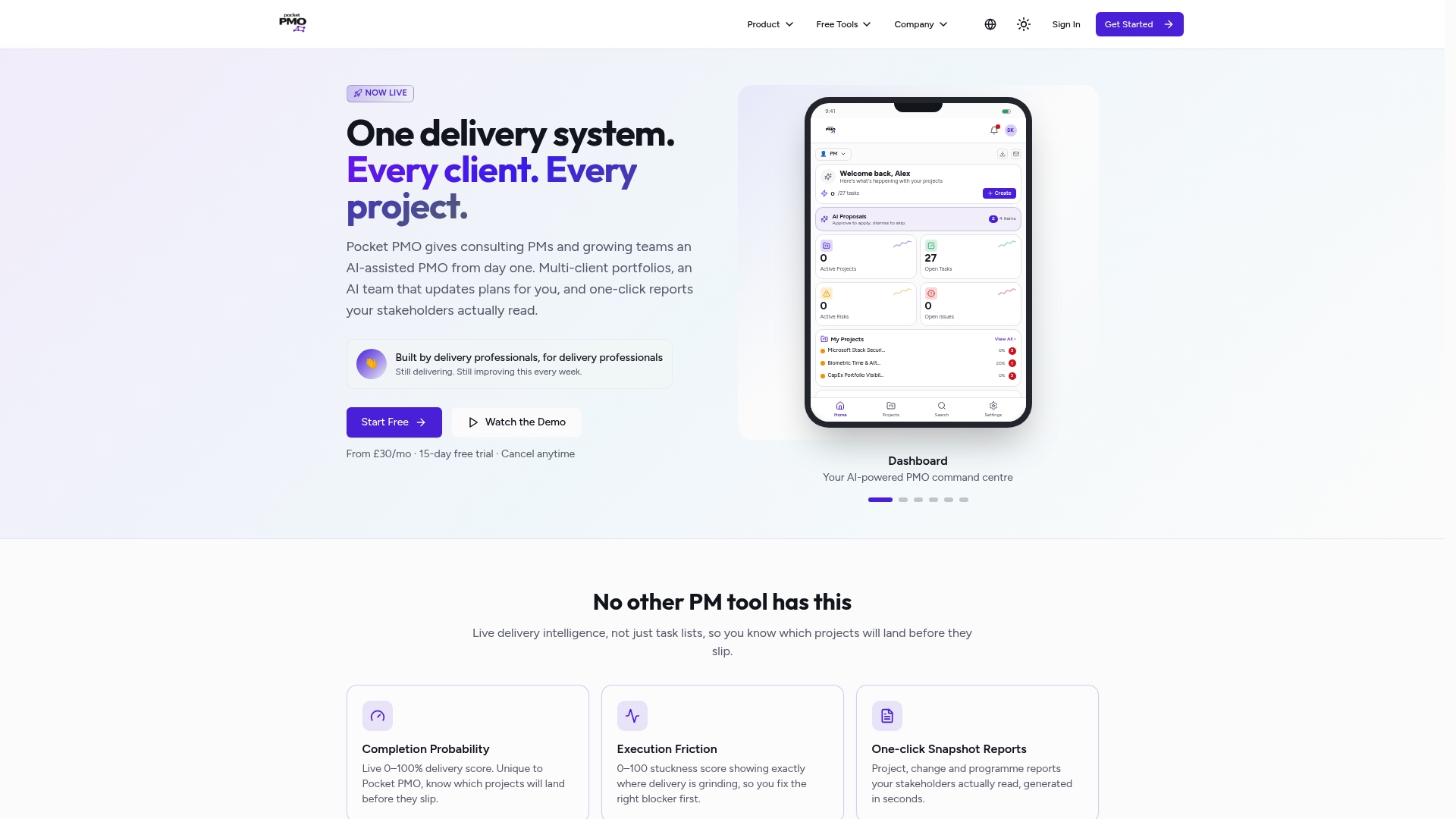
From £30 per month with a 15-day free trial. Pocket PMO bundles real time dashboards, intelligent automation, and AI powered delivery intelligence. The platform includes a dedicated AI powered delivery team that can manage tasks, requirements, and risks on behalf of a delivery organisation. This makes it practical for consultancies and fractional PMOs to start with ready made delivery support.
Core Features
Pocket PMO delivers AI powered project delivery intelligence, automated RAID management, and one click stakeholder reports that update from live data. It supplies real time project health dashboards and automated governance documents, alongside capacity rebalancing and predictive risk analysis driven by AI workflows. The system adapts to Agile, Waterfall, Hybrid, and RIBA methods so teams can keep their existing delivery approach while using the same platform.
Key Differentiator
The platform centres on predictive scoring and self updating project plans that react to live signals across a portfolio. That predictive scoring highlights which projects are most likely to miss milestones and surfaces risks before they escalate. The self updating plans reduce repetitive plan maintenance by pulling changes through the schedule automatically.
Pros
Real time delivery and risk insights reduce guesswork when you update portfolio priorities or rebalance capacity across teams. AI driven automation cuts manual effort for recurring tasks such as generating status reports and updating plans. Flexible methodology support and built in governance let consultancy teams manage multiple clients without separate tools, and integration with Microsoft 365 helps communications and document control.
Cons
- Dependent on cloud connectivity for AI features and real time updates, which limits use in heavily air gapped or offline environments.
Notable Integrations
- Microsoft 365 including Outlook, Teams, and SharePoint.
Who It's For
Delivery professionals such as project managers, PMO leads, and consultancy teams who run multiple projects or client portfolios. Consulting project managers and fractional PMOs will benefit from ready made governance and automated reporting. Construction firms using RIBA stages will find the methodology support useful for handovers and approvals.
Unique Value Proposition
A dedicated AI powered delivery team sits alongside your people and performs day one delivery tasks such as risk capture, plan updates, and report generation. That arrangement reduces the time your staff spend on low value administration while keeping governance and audit trails intact. The model lets smaller teams operate with PMO level oversight without hiring a separate in house delivery office.
Real World Use Case
A PMO managing multiple client projects uses Pocket PMO to track project health across the portfolio. Predictive scoring flags a project likely to slip and the PMO reallocates resources via capacity rebalancing. Stakeholder reports are produced with one click so communication stays timely and audit ready.
Pricing
Subscription pricing starts from £30/mo. A 15-day free trial is available and plans can be cancelled at any time. The vendor lists that entry level price as the starting point for access to core features.
Website: https://pocketpmo.co.uk
OnePlan
At a Glance
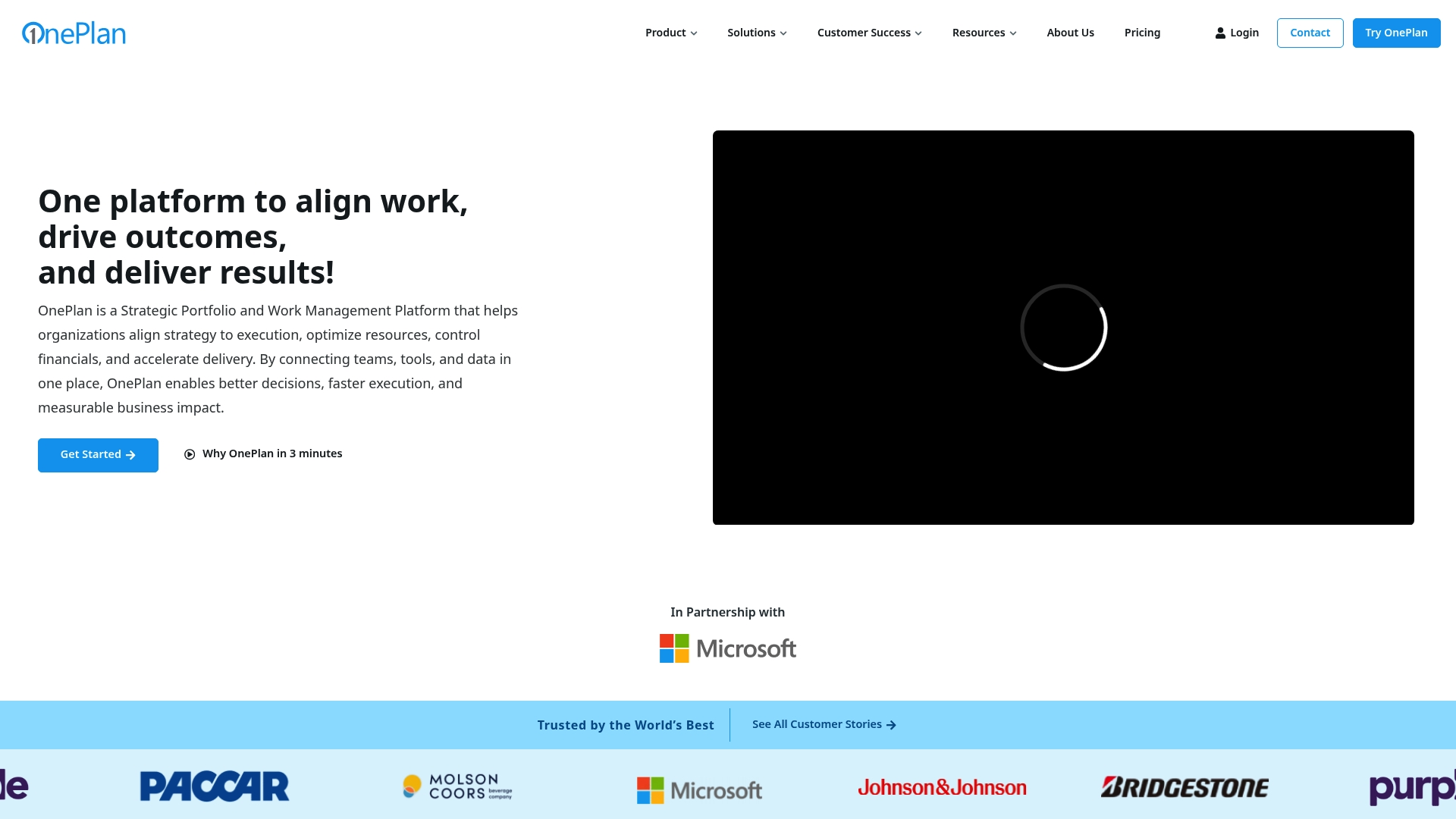
OnePlan was recognised as a Microsoft Partner of the Year for Project Portfolio Management. That recognition signals unusually deep integration with Microsoft 365 and related services. The platform targets portfolio level control with resource modelling and live financial tracking across tools such as Jira and Azure DevOps.
Core Features
OnePlan combines portfolio and project prioritisation with resource capacity modelling and work allocation, so decision makers can balance demand against team availability. It offers financial planning with real time budget tracking alongside support for agile, waterfall, and hybrid methodologies. The product also exposes AI powered insights and a Sofia GPT assistant plus live dashboards and cross tool visibility to consolidate work from Microsoft tools, Jira, Trello, and more.
Key Differentiator
OnePlan’s native connections to the Microsoft ecosystem set it apart. Those integrations, paired with AI powered insights and the Sofia GPT assistant, let organisations link strategic objectives to execution without heavy custom integration work. This focus suits organisations that rely on Microsoft tools and need portfolio level governance and financial control.
Pros
The platform helps organisations align strategy and execution by letting teams prioritise work against strategic criteria and visible budgets. It supports multiple delivery methods and gives planners resource capacity modelling and cross team allocation to reduce clashes and overload. OnePlan also consolidates data from Microsoft 365 and popular project tools, and its live dashboards improve stakeholder reporting and visibility.
Cons
-
Limited detail on the user interface or how far customisation extends; trial or demo required to judge fit.
-
Potentially steep learning curve for people new to portfolio and financial management tools.
-
Pricing is not publicly disclosed, which complicates budget planning for smaller organisations.
When It May Not Fit
Small teams with simple task lists will find OnePlan more complex than they need. Organisations that do not use Microsoft tools will not gain the platform’s primary integration advantages. Teams needing transparent, publicly listed pricing to make a rapid buy decision will face additional procurement friction.
Notable Integrations
- Microsoft Teams
- Microsoft Planner
- Microsoft Project
- Azure DevOps
- Jira
- Smartsheet
- Monday.com
- Trello
Who It's For
OnePlan suits mid sized to large organisations that manage complex portfolios and need unified control over strategy, projects, resources, and finances. It fits PMOs, IT departments, R&D groups, and marketing teams invested in Microsoft tools. Buyers seeking a single pane for cross tool reporting and portfolio governance will get the most value.
Real World Use Case
A multinational corporation uses OnePlan to align its project initiatives with corporate strategy and to model resource demand across departments. Planners run capacity scenarios, reallocate staff between programmes, and track project budgets in real time. The result is clearer prioritisation and fewer resource conflicts across global teams.
Pricing
OnePlan does not publish pricing publicly. Prospective customers need to contact sales for tiering, seat counts, and licence models. That sales engagement typically clarifies enterprise deployment options and any Microsoft licensing implications.
Website: https://oneplan.ai
PMPeopleAI
At a Glance
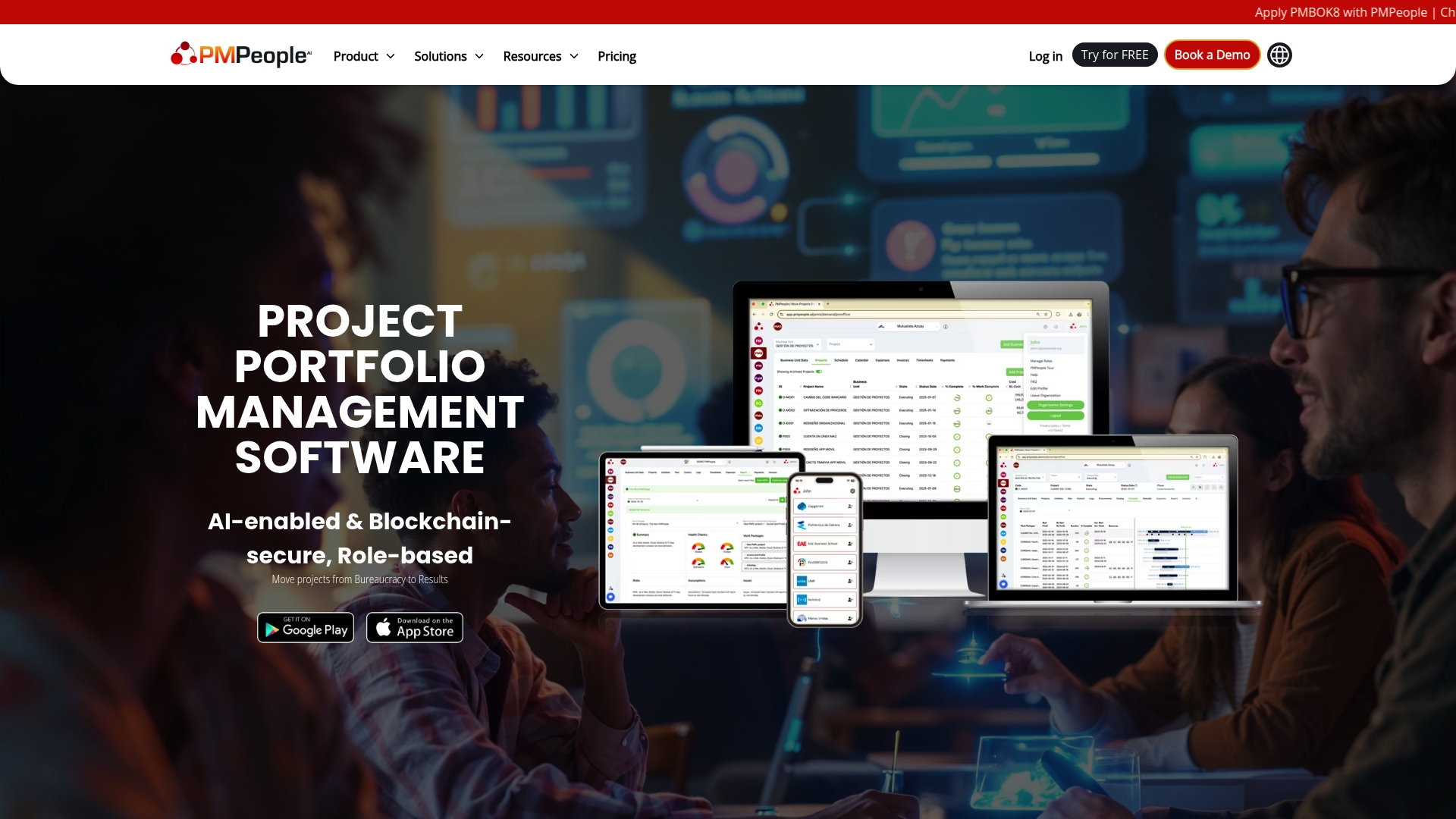
PMPeopleAI reports role-based collaboration organised around 12 distinct roles. The product combines AI-assisted project management with blockchain certification for status reports. That mix targets governance and auditability rather than lightweight task tracking.
Core Features
The platform centralises role-based collaboration, demand and supply management, and resource allocation while supporting agile, predictive, and hybrid delivery methods. AI features assist with project status generation and risk identification, and blockchain certification adds an audit layer to reports. Integrations include Microsoft Project, Asana, Slack, Google Drive, Jira, ClickUp, Dropbox, and Microsoft Teams to connect existing schedules, files, and communication channels.
Key Differentiator
The defining angle is the combination of role-based collaboration with AI and blockchain certification for project reporting. That structure enforces clear responsibilities and tamper-evident records for governance teams. It suits organisations that need stricter accountability and standardised reporting rather than ad hoc team boards.
Pros
PMPeopleAI supports a broad set of project roles, which reduces ambiguity over responsibilities and handoffs. Its integration list helps preserve existing investments in scheduling and communication tools while the blockchain certification adds an extra layer of report integrity. The platform also aims to digitise and standardise project workflows to reduce manual paperwork and improve visibility across portfolios.
Cons
-
Limited third-party review data makes it hard to assess real-world limitations in diverse organisational contexts.
-
The role-based model can feel complex for small teams or organisations without formal project management structures.
-
Adoption may require dedicated change management to map existing processes into the platform.
When It May Not Fit
Small teams that need minimal setup and few formal roles will find the platform heavyweight. Organisations that lack a PMO or central governance function may struggle to map responsibilities into the role taxonomy. If you need a lightweight task board for day-to-day collaboration, this product is likely more than you need.
Notable Integrations
PMPeopleAI connects directly to common project and collaboration tools to preserve existing workflows:
- Microsoft Project
- Asana
- Google Drive
- Slack
- Jira
- ClickUp
- Dropbox
- Microsoft Teams
Who It's For
Mid to large organisations and PMOs that want clearer role accountability and auditable reporting. Project managers overseeing cross-functional portfolios will use the role model to assign responsibilities. Senior executives and governance teams benefit from standardised status outputs and traceable reports.
Real World Use Case
According to the company, a multinational corporation uses PMPeopleAI to manage over 300 projects across 7 business units. The vendor reports improved governance, reduced manual effort, and clearer stakeholder engagement in that deployment. That example shows how the platform scales when portfolios and reporting demands grow.
Pricing
Pricing is not publicly listed. The product listing describes functionality and integrations but provides no standard tier or public starting price. Contact the vendor for a customised quote and licensing model.
Website: https://pmpeople.ai
Comparison of alternatives
In comparing these project management tools, each offers distinct advantages tailored to various professional needs. Pocket PMO stands out with its AI-driven capabilities, prioritising adaptability and proactive governance. Conversely, tools such as OnePlan and PMPeopleAI excel in specific domains like financial modelling and role-based project structuring.
Advanced resource optimisation
OnePlan demonstrates significant strengths in facilitating financial and resource management through its deep integration with the Microsoft ecosystem. Its advanced capacity for modelling resource allocation and tracking project budgets offers support for organisations reliant on Microsoft tools. This high level of integration connects multiple strategic objectives directly to execution workflows, streamlining efforts across the board.
Rigorous governance processes
PMPeopleAI provides governance support through its unique functionality of blockchain-certified reporting and role-specific collaboration models. This level of detail ensures audit trails and clearly assigned responsibilities for every project facet. Its system fits needs where accountability and verification take precedence.
Best fit
- If your organisation prioritises adaptive AI-powered project management with proactive risk tracking and governance automation, then Pocket PMO is the choice.
- For teams needing resource planning at a strategic level with clear budget alignment, OnePlan offers integration with Microsoft tools.
- Organisations requiring a role-focused project structure with tamper-evident accountability frameworks will find PMPeopleAI most suitable.
Our pick
Pocket PMO excels for organisations requiring AI-driven adaptability and live data for oversight without losing control of traditional governance tasks. However, if your projects demand strict financial strategies or governance requiring blockchain certification, competitors such as OnePlan and PMPeopleAI may better meet such constraints.
Deciding on the most suitable portfolio management platform depends on evaluating core features, differentiators, and limitations specific to each option.
| Product | Core Feature | Key Differentiator | Pricing | Notable Limitation |
|---|---|---|---|---|
| Pocketpmo | AI-driven project delivery intelligence | Self-updating project plans via AI | From £30/mo | Dependent on cloud connectivity for full feature use. |
| OnePlan | Portfolio-level control with resource modelling | Deep Microsoft ecosystem integration | Price not published | Potentially steep learning curve and no publicly available pricing. |
| PMPeopleAI | Role-based collaboration with blockchain reporting | Clear role accountability and auditing | Price not published | May require significant changes to existing workflows. |
Choosing the Right Alternative to Smartsheet.com for Effective Project Management
Many delivery professionals and PMO leads seek smarter ways to manage multiple projects without becoming overwhelmed by manual updates and fragmented tools. Pocketpmo addresses these challenges by offering an AI-powered delivery team that handles risk capture, plan adjustments, and status reporting automatically. This reduces administrative effort while maintaining governance and clear audit trails.
Pocketpmo supports flexible methodologies and delivers real-time dashboards, predictive risk analysis, and automated stakeholder communication. For consultancies and fractional PMOs, the platform provides ready-made governance across multiple client portfolios. Find out how you can simplify your project workflows and improve portfolio oversight with Pocketpmo.
Pocketpmo offers a 15-day free trial starting from £30 per month. Begin capturing risks, balancing capacity, and generating live reports with one click.
FAQ
What project management benefits does Pocketpmo offer?
Pocketpmo provides real-time dashboards and AI-powered project delivery intelligence. It features automated RAID management and predictive risk analysis, all designed to enhance project oversight and effectiveness. Users can expect improved decision-making based on live data insights.
How does the pricing of Pocketpmo compare to OnePlan?
OnePlan’s pricing details are not publicly disclosed, making it challenging for some buyers to assess their budget. In contrast, Pocketpmo starts from £30 per month with a 15-day free trial, providing clearer entry points for small consultancies and project teams.
What unique features set Pocketpmo apart from PMPeopleAI?
Pocketpmo includes a dedicated AI-powered delivery team that performs delivery tasks like risk capture and report generation. This setup reduces low-value administration time and facilitates better governance, making it an excellent choice for teams looking for robust delivery support.
Can consultancy teams effectively use Pocketpmo for multiple clients?
Yes, Pocketpmo supports consultancies by managing multiple projects and clients without needing separate tools. It streamlines governance and reporting, enabling teams to maintain oversight across diverse client portfolios efficiently.
What should delivery professionals expect from Pocketpmo's integrations?
Pocketpmo integrates with Microsoft 365, enhancing communications and document control. This integration allows teams to maintain existing workflows and resources while benefiting from the powerful features offered by Pocketpmo.