
Finding the right tool to organise tasks and projects can feel like searching for a hidden gem among endless options. Each platform promises unique ways to keep teams on track and ideas flowing. Some focus on simplicity and speed while others offer layers of features for every need. The choice can be tricky because the perfect fit often depends on the smallest of details. What if there is something even more suitable out there waiting to be discovered
Table of Contents
Pocket PMO
At a Glance
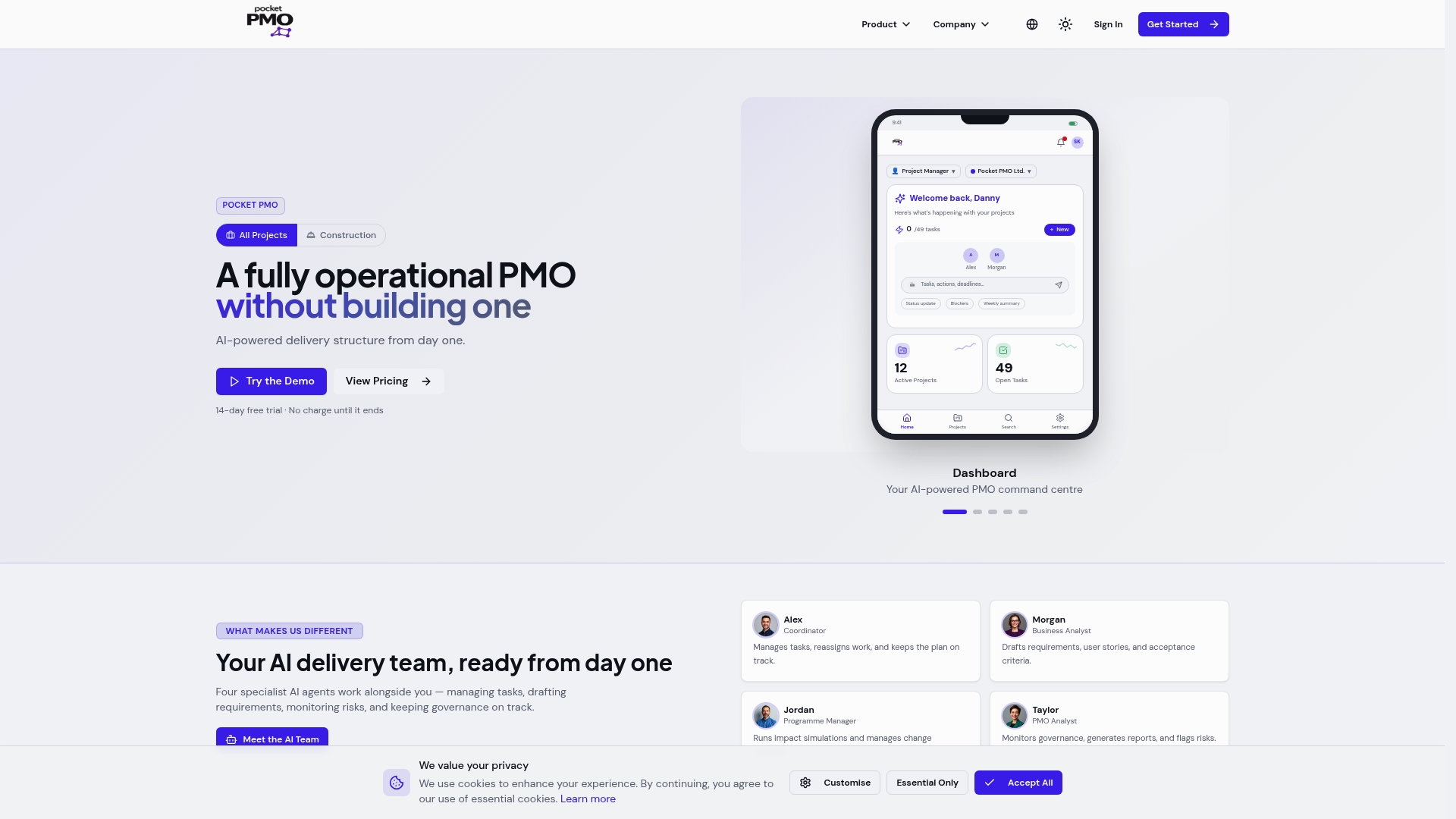
Pocket PMO delivers a ready made, AI powered PMO that removes the need to build governance from scratch and gives delivery leaders immediate capability. It is the top tier choice for organisations that need rapid, measurable improvements in project visibility and control.
Core Features
The platform combines real time dashboards, intelligent automation, and predictive analytics to support portfolio oversight, change request management, and routine status reporting. Its feature set includes task management, automated updates, change workflows, portfolio analytics and AI led risk evaluation.
Pros
-
Automated AI driven project management features: The system generates updates, summaries and risk tips so teams spend less time on manual reporting and more time on delivery.
-
Flexible plans for different user needs: Options range from a Pro plan for individual managers to a PMO plan for small teams and bespoke enterprise arrangements for larger organisations.
-
Free trial with no upfront charge: A 14 day trial lets you evaluate core functions and see AI suggestions against your live data before committing.
-
Integration friendly with enterprise level security: The platform supports SSO and custom integrations in enterprise plans, helping connect to existing tooling without complex rewrites.
-
Built by delivery professionals: The product reflects real world processes and common governance requirements rather than theoretical workflows.
Who It's For
Delivery professionals, PMOs, consultancies and construction project teams will find immediate value from Pocket PMO. Project managers who require portfolio level visibility, risk analysis and standardised governance across multiple projects will gain faster control and clearer reporting.
Unique Value Proposition
Pocket PMO stands apart because it deploys a dedicated AI powered delivery team that effectively acts as an out of the box PMO. That combination of operational automation and AI led insight delivers proactive risk detection, standardised change handling and consistent governance without needing to hire new headcount or design complex internal processes.
The platform is designed to adapt to existing workflows so organisations can adopt its automation and analytics progressively while preserving established ways of working.
Real World Use Case
A construction firm uses Pocket PMO to manage multiple sites with real time risk assessments, automated reporting and consolidated portfolio analytics. The result is improved delivery timelines, clearer governance records and faster escalation of issues across projects.
Pricing
Pricing is transparent for standard tiers: Pro plan at £30 per month per user and PMO plan at £120 per month for up to five users. Enterprise plans are available on request and all plans include a 14 day free trial.
Website: https://pocketpmo.co.uk
ProofHub
At a Glance
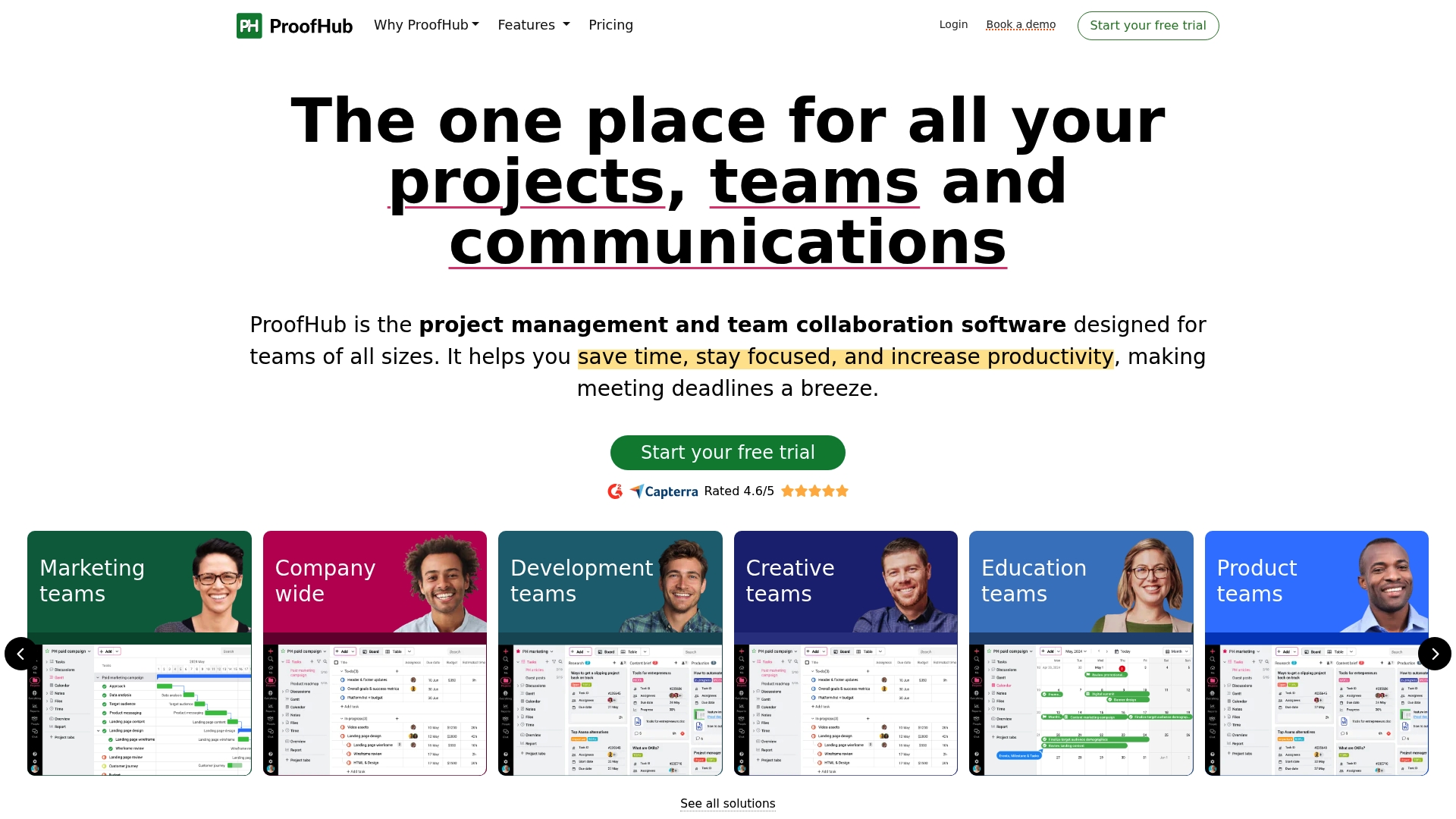
ProofHub presents a centralised project management and team collaboration platform that suits teams of all sizes. It combines task management, Gantt chart timelines and time tracking in a single interface while offering flat rate plans that support unlimited users.
Core Features
ProofHub centres on organised work and clear delivery dates through task management using boards and table view, a Kanban board for process visualisation and a Gantt chart for dependencies and deadlines. The platform also provides a calendar for milestones and time tracking and reporting for productivity analysis and billing validation.
Pros
- All in one platform for project management and collaboration reduces tool sprawl and keeps project artefacts in one place for easy reference.
- Flat pricing with unlimited users makes scaling straightforward for organisations that require many seats without per user fees.
- Ease of use with intuitive interface shortens onboarding time for teams that need a quick, practical setup.
- Robust feature set including proofing, reporting and custom roles supports creative and operational workflows in one environment.
- No per user fee provides predictable budgeting for PMOs managing multiple teams or portfolios.
Cons
- Some advanced features such as API access and custom roles are available only in higher tier plans which restricts flexibility for teams on the Essential plan.
- Storage is limited to 15GB in the standard plan which may force creative teams to manage assets externally more often than they would like.
- Pricing may feel high for very small teams or startups that do not need the full suite of collaboration tools and prefer lower entry costs.
Who It's For
ProofHub is best for project managers and PMO leaders who need a straightforward, centralised tool to manage campaigns, development sprints and creative work. It appeals to organisations that value predictable billing and want to avoid per user fees while supporting multiple teams.
Unique Value Proposition
ProofHub’s clear proposition is predictable, flat rate pricing combined with a comprehensive set of collaboration tools that work without requiring many separate apps. The platform targets teams that prefer an integrated solution with unlimited users and standardised reporting.
Real World Use Case
A marketing agency uses ProofHub to plan campaigns by assigning tasks, storing creative assets, tracking deadlines on the calendar and producing time and productivity reports for client billing. This approach improves accountability and keeps all campaign work in one accessible location.
Pricing
ProofHub offers an Essential plan at $45 per month and an Ultimate Control plan at $89 per month when billed annually. The pricing model focuses on flat fees rather than per user charges to simplify budget planning.
Website: https://www.proofhub.com
nTask
At a Glance
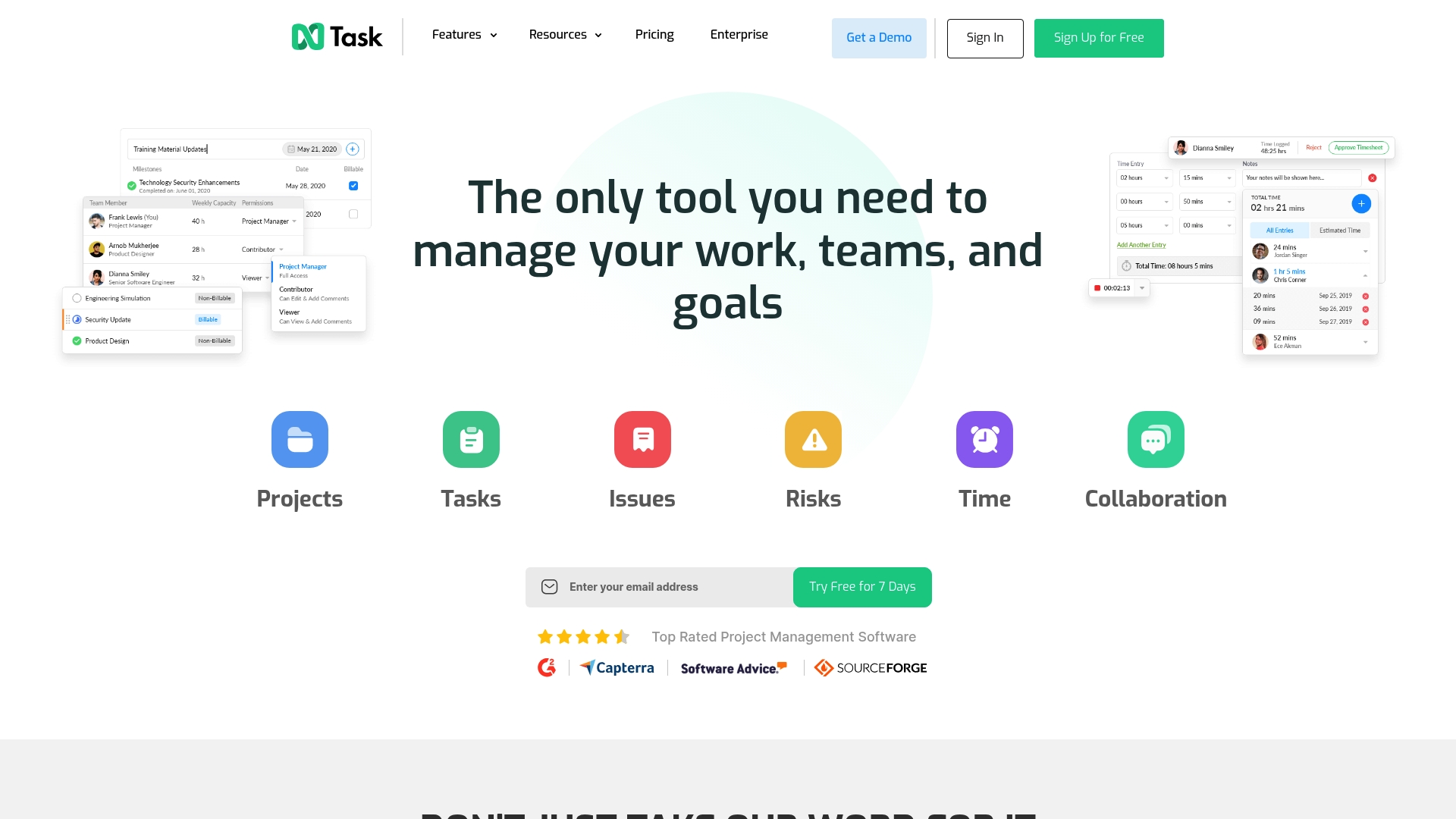
nTask is an all in one project management platform that combines task tracking, meetings, timekeeping and risk monitoring in a single interface. It suits project managers and PMO leaders who need visible controls without building bespoke systems.
Takeaway: Try the free plan to validate fit before upgrading.
Core Features
nTask bundles Gantt charts, Kanban boards and task lists with meeting management, issue tracking and time sheets to cover both delivery and governance needs.
- Project management via Gantt charts, Kanban boards and task lists
- Issue and bug tracking system
- Meeting scheduling and management
- Time tracking and timesheets
- Risk monitoring and resource allocation
- Reporting and analytics plus integrations via Zapier
Takeaway: Use the multiple views to map operational workflows into a single platform.
Pros
-
All in one platform: Combines task, project and team management so you reduce tool sprawl and consolidate reporting.
-
Multiple views available: The platform supports Kanban, Gantt and calendar perspectives to match different planning habits.
-
Good integration options: Integrates with popular apps and extends to over 1000 apps via Zapier to link with existing toolchains.
-
Flexible pricing entry points: A free plan and tiered paid plans make it simple to pilot and scale across teams.
-
User friendly interface: Customisable workflows and a clean interface lower training time for new project teams.
Takeaway: Start small and expand modules as governance needs grow.
Cons
-
Advanced features behind higher tiers: Several advanced capabilities require Business or Enterprise plans which raises total cost for scaled PMOs.
-
Limited storage on basic plans: The entry tier imposes storage constraints that can hamper shared artefact management for larger projects.
-
Can be overwhelming for very small teams: The breadth of features can feel excessive for solo users or micro teams who only need lightweight task lists.
Takeaway: Review required features against plan limits before committing.
Who It's For
nTask targets teams and organisations that want a flexible, scalable project management solution that covers delivery, meetings and risk. It appeals to PMO leaders who need reporting and to project managers who prefer visual planning tools.
Takeaway: Choose nTask if you need governance features without custom build effort.
Unique Value Proposition
nTask brings operational work and oversight into one place by combining risk monitoring, meeting management and time tracking alongside standard project views. That mix helps PMOs keep stakeholders informed while managing delivery details.
Takeaway: Use nTask to align day to day tasks with portfolio level reporting.
Real World Use Case
A marketing team uses nTask to plan campaign timelines on Gantt charts, assign creative tasks on Kanban boards, run stakeholder meetings and track hours for freelance billing. The combined view gives transparency into progress and risks.
Takeaway: Replicate this setup for cross functional campaigns requiring time tracking and risk logs.
Pricing
- Free plan available
- Premium from $3 per user per month billed yearly
- Business from $8 per user per month billed yearly
- Enterprise pricing available on request
Takeaway: The low entry price supports pilots for single teams.
Website: https://www.ntaskmanager.com
Getflow.com
At a Glance
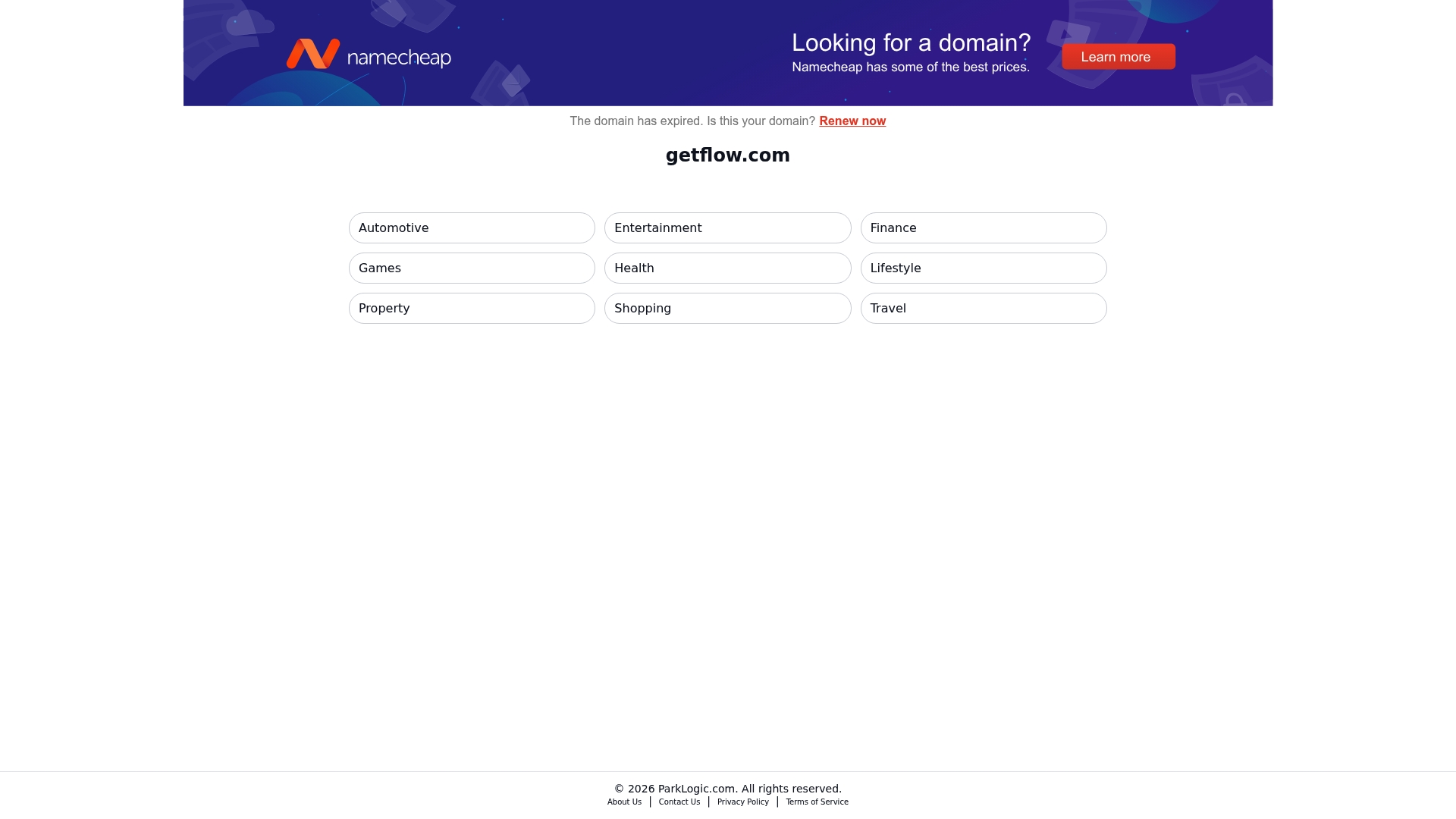
Getflow.com is a directory-style platform that presents categorised service offerings across multiple industries, with links to pricing and domain management options. The domain is expired, so the site no longer serves full product detail directly and requires exploration via category links.
Core Features
The platform lists categorised service offerings across multiple industries including Automotive, Finance, Health and Travel, and provides pricing links for each category so you can jump straight to vendor pages. It also exposes domain availability status and renewal options, which is useful for teams managing domain portfolios.
Pros
- Broad industry coverage: The site groups services into clear categories, making it faster to locate sector-specific offerings for clients or internal projects.
- Direct pricing access: Each category contains links to pricing pages, allowing you to compare cost signals without navigating multiple vendor sites first.
- Domain renewal visibility: The platform shows domain availability and renewal options, which helps teams managing portfolios or considering domain acquisition.
Cons
- The domain is expired, so service specifics are not available directly on the main site, which forces additional steps to verify current capabilities.
- Specific pricing is not presented on the main page, meaning you must follow external links to obtain exact fees and commercial terms.
- The platform functions primarily as an index rather than a hosted marketplace, so it does not provide integrated procurement, contracting or account management features.
Who It's For
This resource suits project managers, PMO leaders and small procurement teams who need a quick way to find industry-specific service providers and initial pricing signals. It also fits domain portfolio holders seeking renewal or transfer information.
Short. Practical. Useful.
Unique Value Proposition
Getflow.com acts as a straightforward industry index that combines service category grouping with immediate access to pricing links and domain status. The value lies in reducing initial discovery time when you need to compile vendor shortlists across sectors.
Real World Use Case
A project manager running an Automotive marketing programme uses Getflow.com to pull a short list of agencies and their pricing pages, then forwards those links to procurement for formal quotes and checks domain renewal options for a campaign microsite.
Pricing
Pricing details are not hosted on the main page; instead the platform points to external pricing pages per category so you must follow those links to obtain exact figures and billing terms.
Website: https://www.getflow.com
Wrike
At a Glance
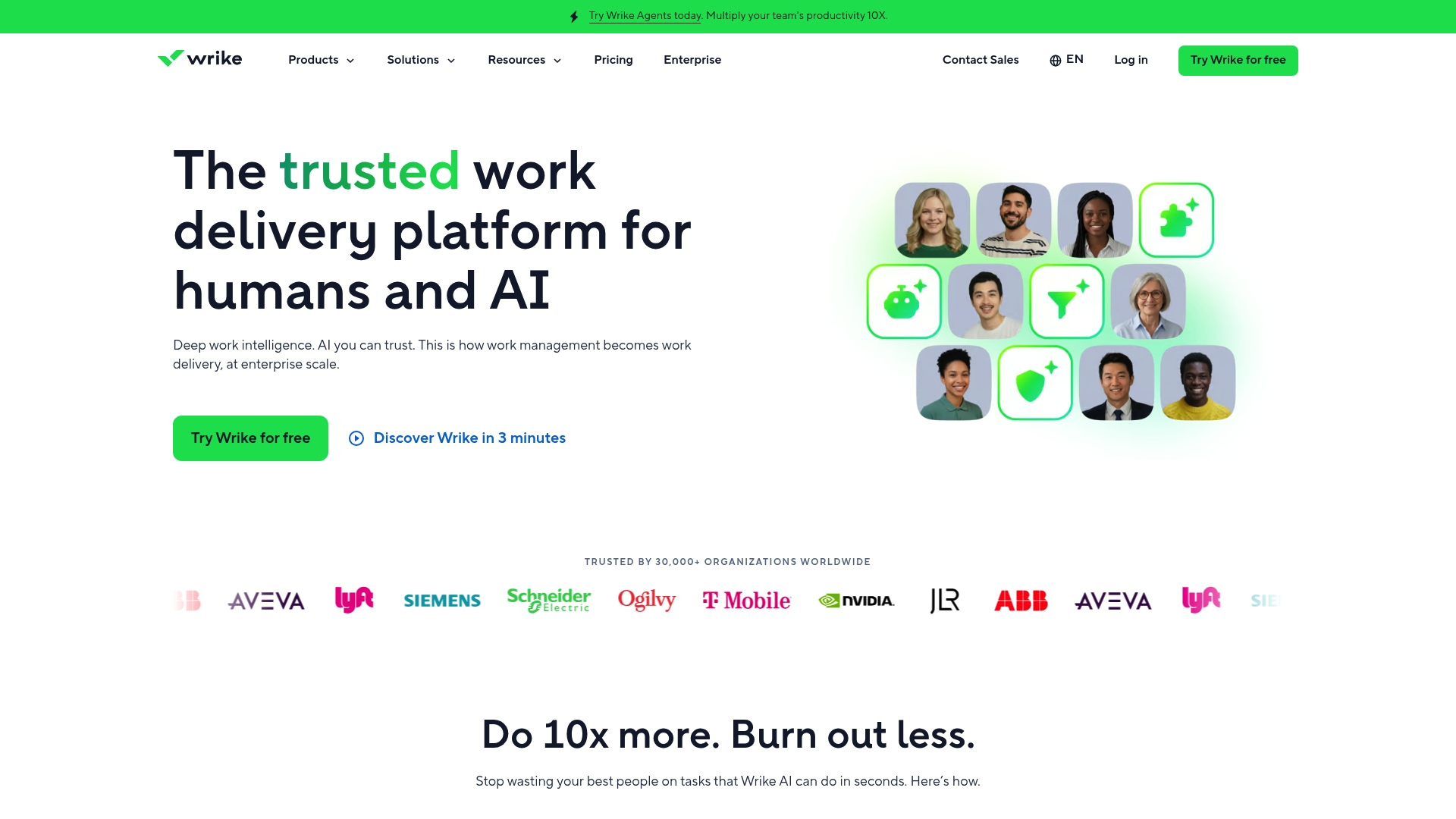
Wrike is a work management platform that combines AI powered tools with collaboration, automation and analytics to help teams deliver complex work at scale. It is trusted by over 30,000 organisations worldwide and suits teams that need enterprise grade controls and AI assistance.
Core Features
Wrike bundles collaboration, automation and analytics with security and compliance features tailored for varied industries. The platform highlights Wrike Copilot for instant answers and AI agents that can execute workflows autonomously while offering an accessible platform overview for teams to unify work and reporting.
Pros
-
Robust AI integration for automation and decision support that reduces manual task labour and speeds routine approvals across projects.
-
Scalable platform suitable for various team sizes and industries which allows small teams to grow into enterprise capabilities without switching tools.
-
Strong data security and compliance certifications which help organisations align with internal governance and external regulatory requirements.
-
Extensive customisation options and integrations that let you connect existing toolchains and adapt workflows to your governance models.
-
Generic user friendly interface with mobile and desktop apps that lowers adoption time for teams already familiar with modern work tools.
Cons
-
Pricing complexity for enterprise features and add ons which can make total cost harder to predict for expanding portfolios.
-
Potentially steep learning curve for new users when exploring advanced automation, reporting and AI driven features that require configuration.
-
Heavy reliance on cloud services which may concern highly data sensitive organisations that need on premises solutions or strict data residency.
Who It's For
Wrike fits organisations and teams seeking an integrated work management solution with AI capabilities for automation, analytics and collaborative project execution. It is suitable for enterprises, project teams, marketing, product management and operational teams that require governance and scale.
Unique Value Proposition
Wrike’s value lies in delivering a unified team experience that pairs AI driven assistance with enterprise controls. The combination of collaboration, automation and analytics makes it a single place to manage work, measure delivery and apply AI to reduce busy work.
Real World Use Case
A multinational corporation uses Wrike to unify project tracking, automate routine workflows with AI and analyse project data to optimise resource allocation. The result is clearer cross department visibility and improved delivery timelines for complex, multi team programmes.
Pricing
Wrike offers a free basic version alongside tiered subscription plans. Paid plans include Team at $10 per user per month, Business at $25 per user per month, and custom pricing for Pinnacle and Apex plans designed for complex workflows and enterprise needs.
Website: https://www.wrike.com
Zenkit
At a Glance
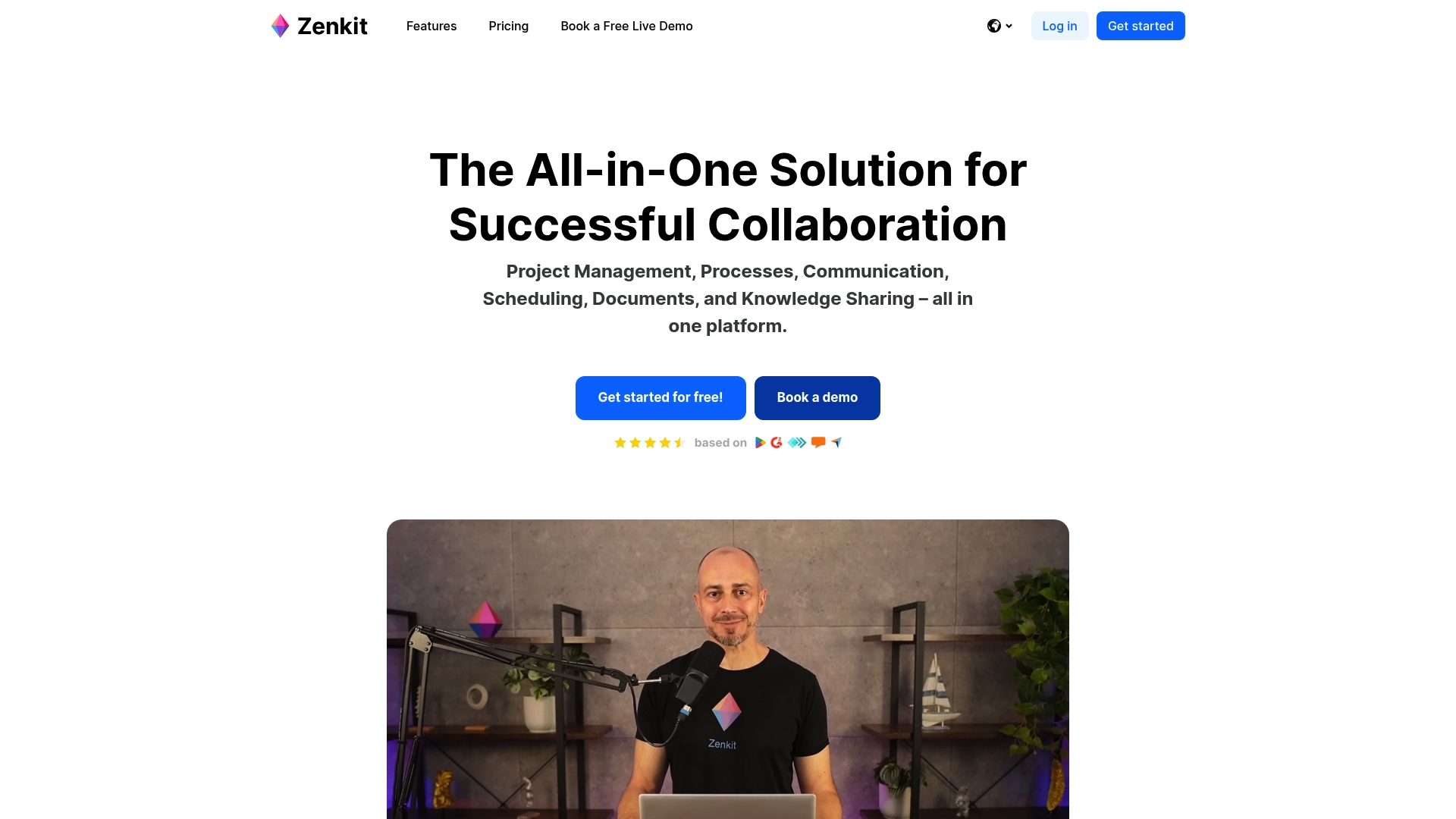
Zenkit is a multi-project management platform that combines project planning, team communication and knowledge sharing in a single environment. It targets organisations that need flexible workflows, EU based support and strong GDPR compliance for sensitive data.
Core Features
Zenkit provides a broad feature set for both agile and classical projects, offering visual and list based views to match different management styles. It supports resource scheduling, reporting and migration tools to ease onboarding for teams.
- Project management with Kanban and Gantt chart views and list layouts for task control.
- Team collaboration with chat, comments, audio notes and doodles for richer discussion.
- Resource management and workload scheduling to balance capacity across teams.
- Real time reporting and analytics for immediate progress visibility.
- Data migration from Trello, Asana and Microsoft To Do plus API support for integrations and onboarding.
- Support for 1500+ integrations through Zapier and a multilingual interface to suit international teams.
Pros
-
All in one platform combines project management, communication and documentation so you avoid context switching across multiple tools.
-
Highly customisable interface that adapts to both basic users and power users which helps adoption across different role types.
-
Strong data security with EU servers and full GDPR compliance which reassures privacy conscious organisations.
-
User friendly onboarding and dedicated support make migration easier, especially with one click import options and demos.
-
Scalable for teams of varying sizes which supports growth without forcing an immediate tool change.
Cons
-
Pricing can be expensive for smaller teams or startups and the per seat model may increase costs as headcount grows.
-
Complex features and deep customisation introduce a noticeable learning curve for teams new to configurable platforms.
-
The breadth of functionality may overwhelm some users who prefer a minimal feature set and a simpler interface.
Who It's For
Zenkit suits organisations and PMOs that require an adaptable, all in one project management and collaboration solution with a clear focus on data privacy. It works well for teams that manage multiple projects and need both agile and traditional planning methods.
Unique Value Proposition
Zenkit’s strength lies in offering a single platform that covers planning, communication and documentation while keeping data within EU infrastructure. The combination of visual views, advanced migration options and tailored support differentiates it for regulated environments.
Real World Use Case
A Berlin based university uses Zenkit to organise research projects, coordinate cross department communications and produce real time progress reports for funders. The platform helps academics share documents and track workload across supervisors and students.
Pricing
Plans start at Plus for €8 per month per seat, Team at €12 per month per seat and Business at €21 per month per seat. Enterprise pricing is customised per seat and all prices exclude VAT.
Website: https://www.zenkit.com
Project Management Tools Comparison
Compare features, pricing, and usability across diverse project management platforms.
| Tool | Key Features | Pros | Cons | Pricing |
|---|---|---|---|---|
| Pocket PMO | AI-powered project governance tools, predictive analytics, automated routines | Automated, AI-driven insights; Integration-ready; 14-day free trial | Designed primarily for larger teams | Starts at £30/month/user; Free trial available |
| ProofHub | Gantt charts, Kanban boards, flat pricing for unlimited users | Intuitive interface; No per-user fee; All-in-one collaboration suite | Limited advanced features in entry plans; Limited storage in base plan | Starts at $45/month (flat); Free trial available |
| nTask | Multi-format task views, meeting management, risk and time tracking | All-in-one feature set; Incorporates comprehensive governance tools | Basic plans limit storage; Advanced features reserved for higher-tier plans | Premium starts at $3/month/user; Free plan available |
| GetFlow | Directory for industry-specific services and domains | Direct pricing links; Broad categorization across industries | Expired domain limits direct features; Requires external site navigation | Pricing data available only on linked pages |
| Wrike | AI-powered task automation, extensive integrations, enterprise-grade compliance | Enterprise scalability; Advanced automation features | Pricing for enterprise customization can be high; Steep learning curve for advanced tools | Basic free plan; Paid plans from $10/month/user |
| Zenkit | GDPR-compliance, adaptive project views, resource management capabilities | Strong EU data handling; Visual project management | Advanced customization may overwhelm new users; Per-user cost impacts team expansions | Plus plan starts at €8/seat/month; Free trial available |
Discover a Smarter Alternative for Your Project Management Needs
If you found yourself exploring top monday.com alternatives for 2026, you likely face challenges such as limited AI-powered project oversight, fragmented governance, and slow risk detection. Many platforms make project tracking easy but fall short of delivering real-time insights or fully automating governance workflows to enhance decision-making confidence and operational efficiency.
Pocket PMO offers a fully integrated AI-powered PMO solution that adapts seamlessly to your existing workflows. With features like predictive analytics, change request management, and an AI-driven delivery team handling risk evaluation and status reporting, it empowers organisations to quickly gain portfolio-level visibility without adding headcount or complexity.
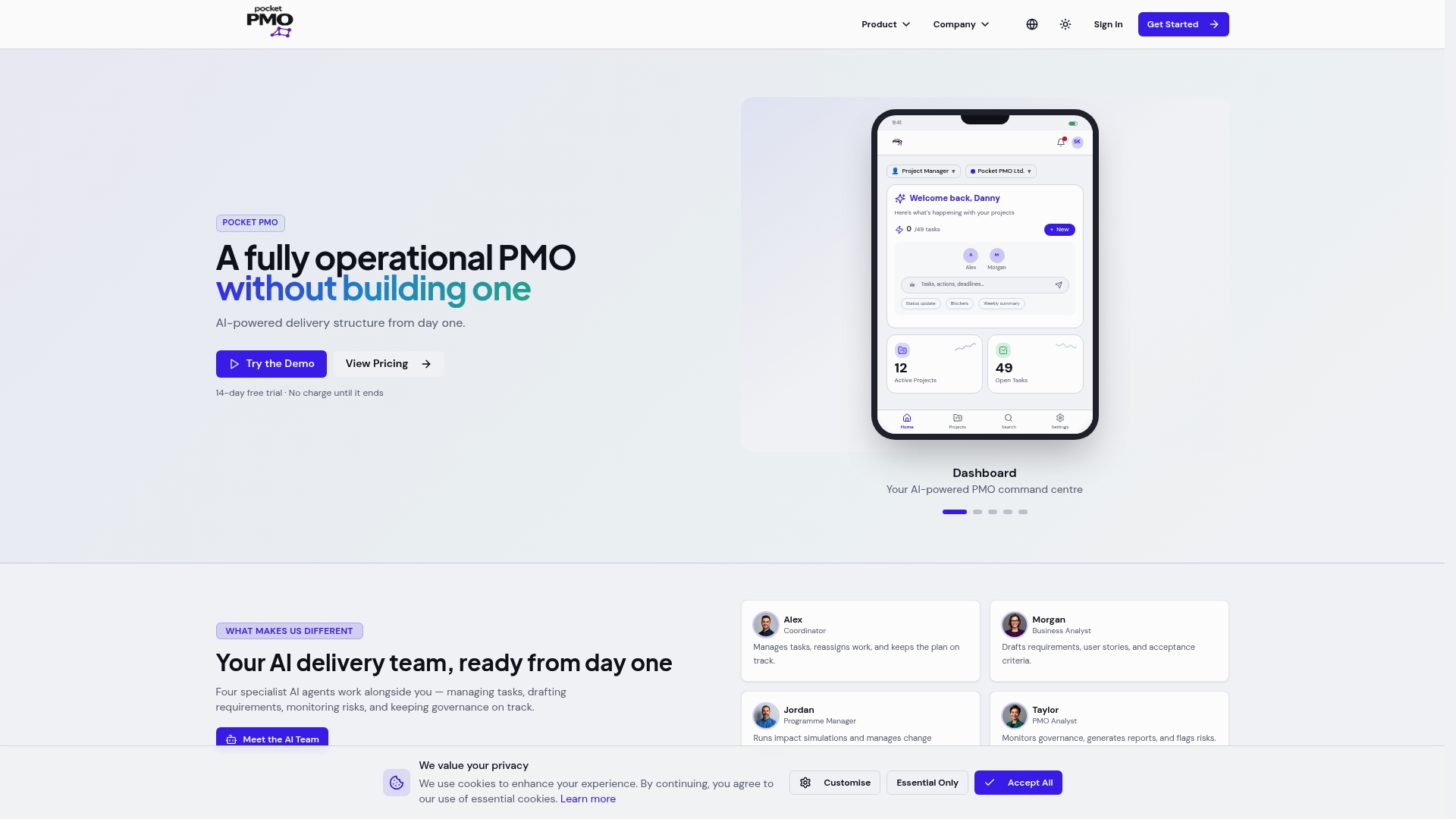
Ready to experience a cutting-edge project management platform that transforms your delivery and governance? Explore how Pocket PMO can accelerate your projects and improve control by visiting Pocket PMO home today. Take the next step towards smarter, AI-enhanced project delivery now.
Frequently Asked Questions
What features should I look for in alternatives to monday.com?
To effectively replace monday.com, prioritise features such as task management, team collaboration, automation capabilities, and reporting tools. Identify what your current workflow requires, and evaluate alternatives based on these essential components, ensuring they fit within your team's dynamics.
How can I determine which monday.com alternative is best for my team?
Assess your team's specific needs and workflows to find the most suitable alternative. Create a comparison chart highlighting functionalities, pricing, and user experience to evaluate your options within 30 days.
Are there any free trials available for these monday.com alternatives?
Most project management tools offer free trials or basic plans to test their features without commitment. Take advantage of these trials to explore the software’s interface and capabilities before making a final decision.
How do I migrate my existing projects from monday.com to a new platform?
To migrate projects, export your data from monday.com in a compatible format, such as CSV or Excel files. Next, import the saved files into your new project management tool, following any onboarding instructions provided by the platform to ensure a smooth transition.
What are the typical costs associated with switching from monday.com to an alternative?
Costs vary based on the chosen platform's pricing model, user count, and additional features. Calculate your budget by considering a monthly or annual subscription and any implementation costs, aiming to minimise expenses while maximising functionality over time.
What support options should I expect from a monday.com alternative?
Look for alternatives that provide comprehensive support options, such as live chat, email support, and robust documentation. Aim for a platform that offers these services 24/7 to facilitate quick resolutions and ensure ongoing assistance as you adapt to the new system.