

Inconsistent project reports cost teams more than time. When stakeholders receive different formats from different project managers, decision-making slows, risks get missed, and confidence in your PMO erodes fast. Many organisations still rely on ad hoc documents, spreadsheets, and one-off slide decks that tell different stories. Report templates solve this directly. They bring structure, speed, and clarity to every update you produce. In this article, you will learn why templates matter, how to choose the right ones, how to customise them effectively, and how to avoid the mistakes that undermine even the best reporting processes.
Table of Contents
- Why report templates matter for project management
- Choosing the right report template for your project
- How to customise report templates for maximum impact
- Avoiding common mistakes with report templates
- The real secret to scalable project reporting
- Streamline your reporting with Pocket PMO solutions
- Frequently asked questions
Key Takeaways
| Point | Details |
|---|---|
| Standardisation boosts clarity | Using consistent templates helps teams communicate project status clearly and efficiently. |
| Customisation drives impact | Tailoring templates ensures reporting aligns with project goals and stakeholder expectations. |
| Avoid common errors | Simple, well-maintained templates reduce mistakes and improve reliability. |
| Feedback leads to improvement | Collecting regular input helps refine templates and reporting processes for future projects. |
Why report templates matter for project management
Every project manager knows the pressure of producing a status update on a Friday afternoon when half the team is unavailable. Without a template, you are rebuilding the wheel every single time. The result is inconsistency across projects, gaps in critical data, and hours lost to formatting rather than analysis.
Report templates address these pain points directly. They give your team a reliable structure to follow, so every update covers the same essential fields: progress against milestones, risks and issues, budget status, and next steps. Stakeholders know exactly where to look. Project managers spend less time on layout and more time on insight.
Templates standardise project reporting across teams, improving visibility and consistency across your entire portfolio. This is not just a convenience. It is a governance advantage. When your PMO can compare reports across ten projects using the same structure, patterns emerge faster and decisions are better informed.
The benefits extend beyond speed:
- Standardisation ensures every report meets the same quality bar, regardless of who produces it.
- Efficiency reduces the time spent creating and formatting updates from scratch.
- Clarity gives stakeholders a consistent view of project health across the portfolio.
- Compliance supports audit trails and governance requirements with structured, repeatable outputs.
- Communication aligns teams around shared language and reporting expectations.
These advantages compound over time. A team using consistent templates for multi-project management builds a reporting culture that scales without extra overhead.
"A PMO that standardises its reporting templates reduces the cognitive load on every stakeholder, from team leads to board members. Clarity is not a luxury. It is a prerequisite for good governance."
Templates also support better use of AI project tracking tools, which rely on structured, consistent data inputs to surface meaningful insights. Feeding inconsistent formats into an AI-powered platform limits what it can do for you.
Choosing the right report template for your project
Not every project needs the same report. A software delivery programme running across six workstreams has very different reporting needs from a single-phase infrastructure project. Choosing the wrong template creates noise rather than clarity.
Start by identifying the four most common types of report templates used in project management:
- Status report template covers progress, milestones, risks, and issues at a regular cadence.
- Risk report template focuses on the RAID log (Risks, Assumptions, Issues, Dependencies) and mitigation actions.
- Financial report template tracks budget spend, forecast, and variance against the approved baseline.
- Executive summary template distils key decisions, escalations, and headline metrics for senior stakeholders.
Each type serves a different audience. Your delivery team needs detail. Your board needs headlines. Matching template to audience is the single most important selection criterion.
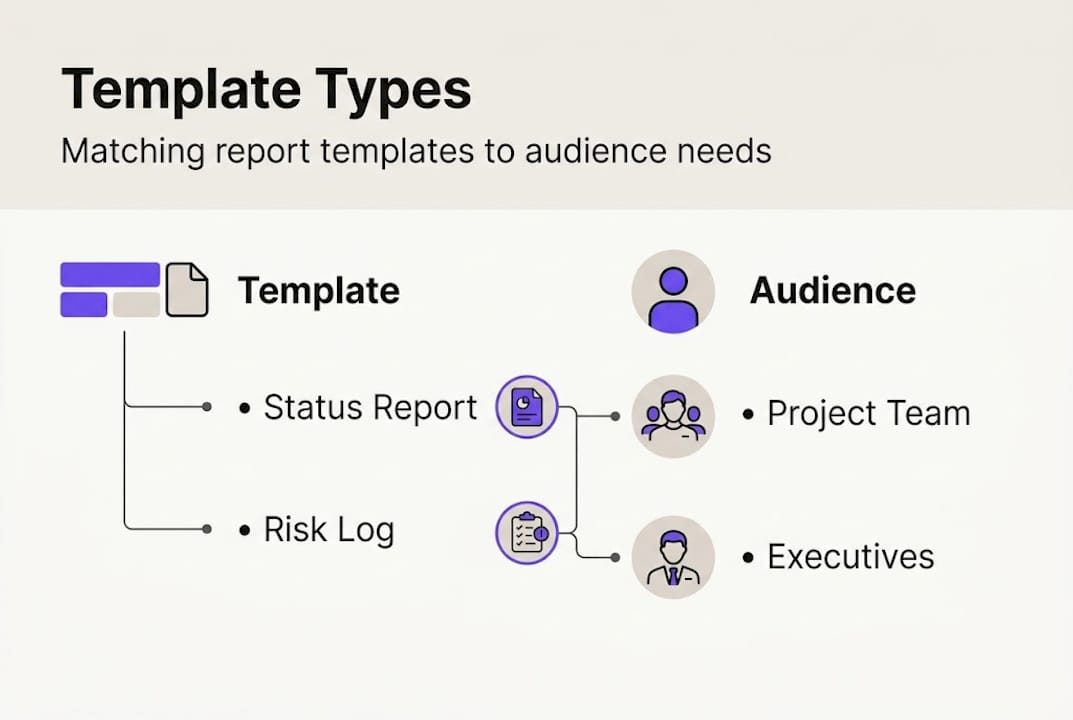
| Template type | Primary audience | Key fields | Best used for |
|---|---|---|---|
| Status report | Project team, PMO | Milestones, RAG status, actions | Weekly or fortnightly updates |
| Risk report | PMO, risk owners | Risk score, mitigation, owner | Governance reviews |
| Financial report | Finance, sponsors | Budget, actuals, forecast | Monthly reporting cycles |
| Executive summary | Board, senior leaders | Decisions needed, key risks, progress | Steering committee meetings |
Customisable templates enable teams to adapt reporting structures for different project goals, which means you are not locked into a one-size-fits-all approach.
When evaluating templates, consider these criteria:
- Adaptability: Can you add or remove sections without breaking the structure?
- Clarity: Does the layout guide the reader logically through the information?
- Relevant KPIs: Does the template include the metrics your stakeholders actually care about?
- Scalability: Will this template still work if the project grows in scope or complexity?
You can explore ready-to-use template use cases to see how different organisations apply these structures in practice.
Pro Tip: Before finalising any template, share a draft with your key stakeholders. Ask them what they would remove, not just what they would add. Shorter, sharper reports get read. Long ones get filed.
How to customise report templates for maximum impact
Selecting a template is just the beginning. A generic template will not reflect your project's specific objectives, risks, or success metrics. Customisation is where the real value is created.
Follow this step-by-step process to adapt any template effectively:
- Define your reporting purpose. What decision or action should each report enable? Start there.
- Identify your audience. Tailor the level of detail to what each stakeholder group needs.
- Map your KPIs. List the metrics that matter most for your project and ensure the template captures them.
- Remove irrelevant sections. A leaner template is almost always more effective than a comprehensive one.
- Add project-specific fields. Include sections for change requests, dependencies, or milestones unique to your project.
- Test with a real update. Run one reporting cycle using the customised template before rolling it out broadly.
- Gather feedback. Ask your team and stakeholders what worked and what created confusion.
Successful reporting depends on tailoring templates to each project's objectives and metrics. Without that alignment, even a well-designed template produces reports that miss the point.

Here are the key fields to consider when customising your template:
| Field | Purpose | Include when |
|---|---|---|
| Project timeline | Track progress against plan | Always |
| Risk and issue log | Surface threats early | Always |
| KPI dashboard | Measure performance | When metrics are defined |
| Budget variance | Monitor financial health | When budget is tracked |
| Change log | Record scope changes | When change control is active |
| Decisions required | Drive stakeholder action | For governance reports |
Good requirements management practice feeds directly into template design. If your requirements are well-documented, your template fields almost write themselves.
You can also explore the customisation features available within Pocket PMO to see how configuration options support your specific reporting needs.
Pro Tip: Save every customised template as a named version linked to the project type. When a similar project starts, you have a ready-made baseline rather than starting from scratch.
Avoiding common mistakes with report templates
Even well-designed templates fail when they are used poorly. The most common mistakes are not technical. They are behavioural and procedural.
Here are the pitfalls to watch for:
- Overcomplicating the template. Adding every possible field makes reports unwieldy. If a section is not driving a decision, remove it.
- Missing critical data. Leaving key fields blank because the data is hard to gather undermines trust in the report.
- Poor version control. Using outdated templates creates confusion, especially across large teams or programmes.
- Ignoring stakeholder feedback. A template that does not serve its audience will be ignored or bypassed.
- Failing to update templates. Projects evolve. A template that was right at initiation may be wrong at delivery.
Regular reviews and feedback improve template effectiveness and minimise reporting errors across your portfolio. Build a quarterly template audit into your PMO calendar. It takes less than an hour and prevents months of reporting drift.
"The cost of a poorly maintained report template is not just wasted time. It is the risk that goes unreported, the budget overrun that surprises the board, and the stakeholder who stops trusting your updates."
Troubleshooting tips for common template issues:
- If reports are too long, reduce to three to five key fields and add an appendix for detail.
- If data is consistently missing, trace the gap to its source and fix the data collection process, not just the template.
- If stakeholders are not reading reports, ask them directly what format and frequency works for them.
- If templates vary across teams, run a short workshop to agree a shared standard and document it.
Using AI tracking strategies alongside your templates helps catch reporting gaps automatically, flagging missing data or anomalies before they reach the stakeholder.
The real secret to scalable project reporting
Here is something most template guides will not tell you: the template itself is the least important part of scalable reporting. What actually determines success is the process around it, the leadership that enforces it, and the culture that values it.
We see this repeatedly. Organisations invest in beautifully designed templates and then watch them deteriorate within two reporting cycles because no one owns the process. The template becomes optional. Formats drift. Visibility collapses.
The contrarian view is this: a simple, imperfect template used consistently is worth ten sophisticated ones used inconsistently. Start with the minimum viable report. Capture the five things your stakeholders genuinely need to know. Iterate from there based on real feedback, not theoretical best practice.
Scalable multi-project reporting requires flexibility within a framework, not rigid uniformity. The best PMOs we work with hold the structure loosely and the discipline tightly. They know when to adapt and when to hold the line.
The hard-won lesson: reporting culture is built one consistent update at a time. Templates accelerate that process, but they do not replace it.
Streamline your reporting with Pocket PMO solutions
If you are ready to move beyond ad hoc reports and build a reporting process that scales, Pocket PMO gives you the tools to do it from day one.
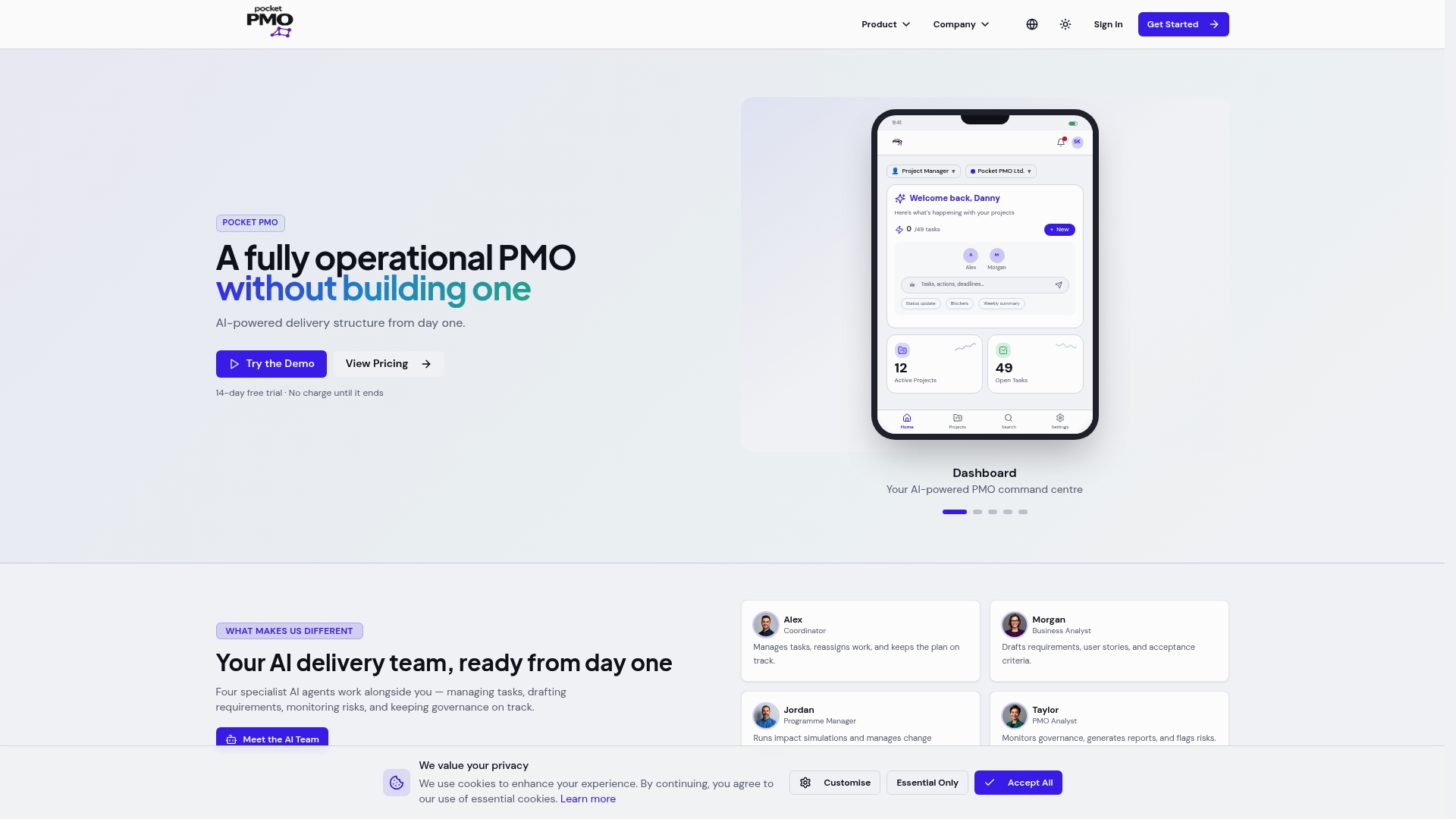
Pocket PMO provides configurable report templates designed for project managers and PMOs who need structure without rigidity. You can launch Pocket PMO and access ready-to-use templates that align with your existing workflows, then adapt them as your projects evolve. The platform's reporting features include real-time dashboards, AI-driven risk summaries, and automated status updates that feed directly into your templates. Less manual effort. More actionable insight. Your team stays focused on delivery, not formatting.
Frequently asked questions
What types of report templates are best for project managers?
Status, risk, financial, and executive summary templates are the most useful. Customisable templates suit diverse project requirements, so choose based on project complexity and what each stakeholder group needs to act on.
How do I customise a report template to fit my project?
Adapt sections to include the KPIs and metrics relevant to your project's goals. Templates can be tailored to each project's objectives, and stakeholder feedback is the most reliable guide for ongoing refinement.
Why is standardisation important in report templates?
Templates standardise reporting and improve visibility across teams and projects. Standardisation ensures consistency, reduces confusion, and makes it easier to compare performance across your portfolio.
What are common mistakes when using report templates?
Overcomplicating content, missing critical data, and failing to update templates as projects evolve are the most frequent pitfalls. Regular reviews and feedback minimise errors and keep your templates aligned with current project needs.
Recommended
- Pocket PMO | A fully operational PMO without building one
- Project tracking with AI: strategies for better results
- Pocket PMO | A fully operational PMO without building one
- Pocket PMO | A fully operational PMO without building one
- Google Ads Report Template Guide | GTMOffice
- Streamline your project tracking process for better results