

Comparing project portfolio management software to replace PMO-360.com is time-consuming when features and AI capabilities differ widely. Many alternatives require enterprise licensing, offer complex integration only, or lack transparent pricing for smaller teams and consultancies. This overview highlights AI features, governance tools, and practical limitations so you can match a platform to your PMO needs without wasted procurement calls.
Table of Contents
Pocket PMO
At a Glance
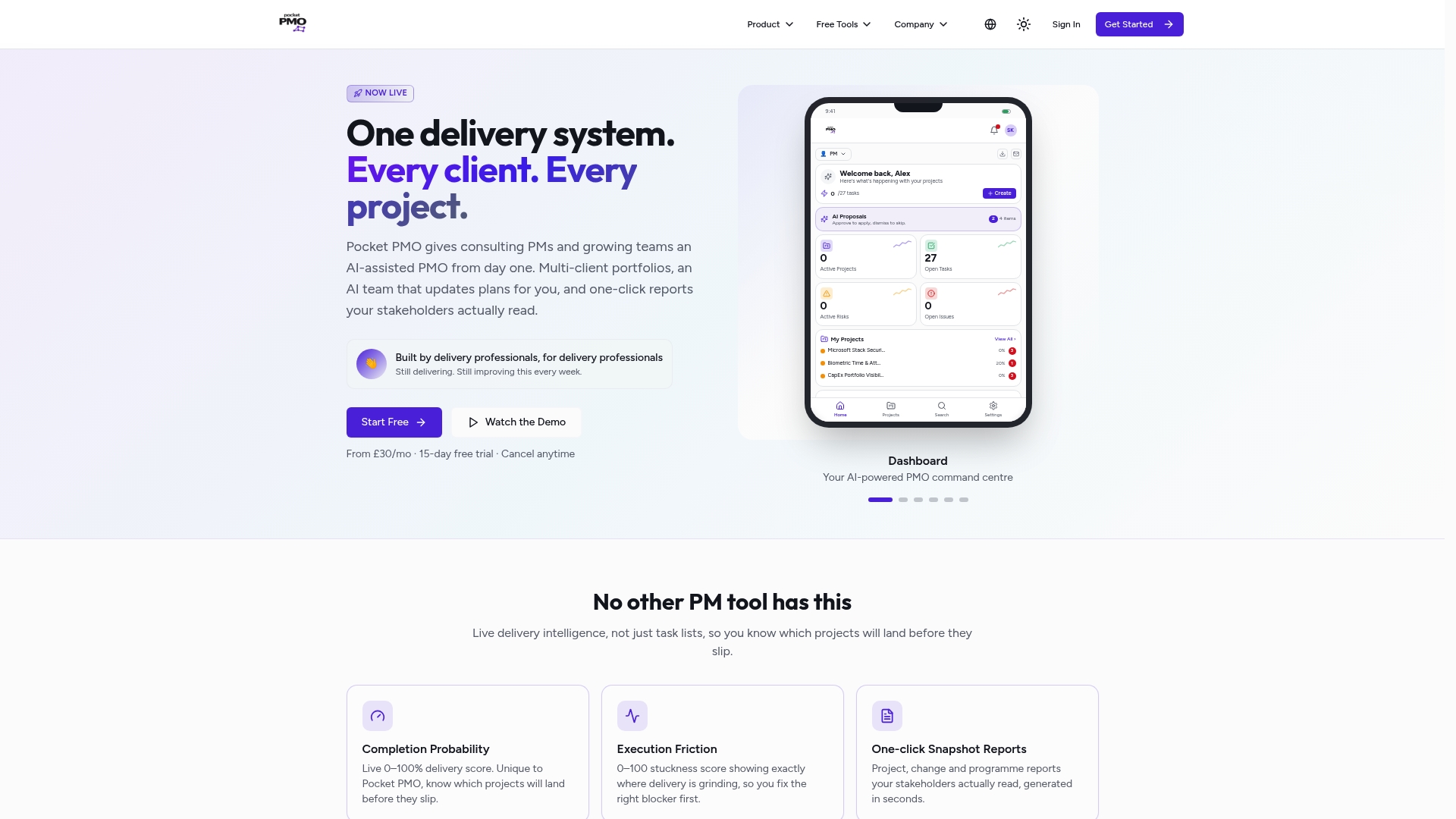
A built in AI team drafts status updates, logs risks, and simulates impacts for live projects. That capability gives you ready stakeholder reports and scenario tests without a long setup. The model aims to shorten time to useful PMO output for delivery teams.
Core Features
Pocket PMO combines AI powered project intelligence with portfolio management and governance tools. It shows completion probability and execution friction scores on live dashboards, provides one click snapshot reports, and supports full project lifecycle management from pipeline to lessons learned. The platform also manages risks, issues, and dependencies while offering alerts and AI insights that feed status reporting.
Key Differentiator
The product's distinct advantage is the built in AI workflows that generate proactive signals and automated reporting without complex configuration. That approach pushes predictive success scores into everyday decision making. Project leads receive suggested actions and scenario simulations alongside conventional status metrics.
Pros
Pocket PMO delivers real time predictive insights that help you spot at risk deliveries early. It automates report generation and routine updates, saving the team time spent polishing slides. The product targets delivery professionals and supports Agile, Waterfall, and hybrid approaches, so methods used on different programmes can coexist in the same account. Deployment is simple and does not need heavy integrations for basic use.
Cons
- May not suit organisations that require extensive custom integrations or operate in highly regulated environments without enterprise features.
Notable Integrations
- Microsoft 365 (optional). The integration covers document storage and report export to familiar office tooling. You do not need this connection to start using core features.
Who It's For
Delivery professionals, project managers, PMOs, and consultancies that need predictive project signals and faster stakeholder reporting will find this platform relevant. Teams that value automated governance and quick deployment will get the most immediate benefit. Organisations that need deep bespoke integrations should consider enterprise options.
Unique Value Proposition
A dedicated AI team that drafts updates, logs risks, and simulates impacts sets Pocket PMO apart. That feature shifts the PMO workload from manual consolidation to review and decision making. For consultancies and busy PMOs, the result is faster report cadence and clearer governance without building an internal AI capability.
Real World Use Case
A project manager monitors health via the platform's live scores, runs a scope change simulation, and then exports a stakeholder snapshot in one click. The simulated impact informs the change decision before execution. The team spends less time on manual status collection and more on mitigation.
Pricing
Pricing starts at £30/mo and includes a 15 day free trial. Tiers include Pro for individuals, PMO for teams, and custom Enterprise options for larger or regulated customers.
Website: https://pocketpmo.co.uk
ProjectBuddy
At a Glance
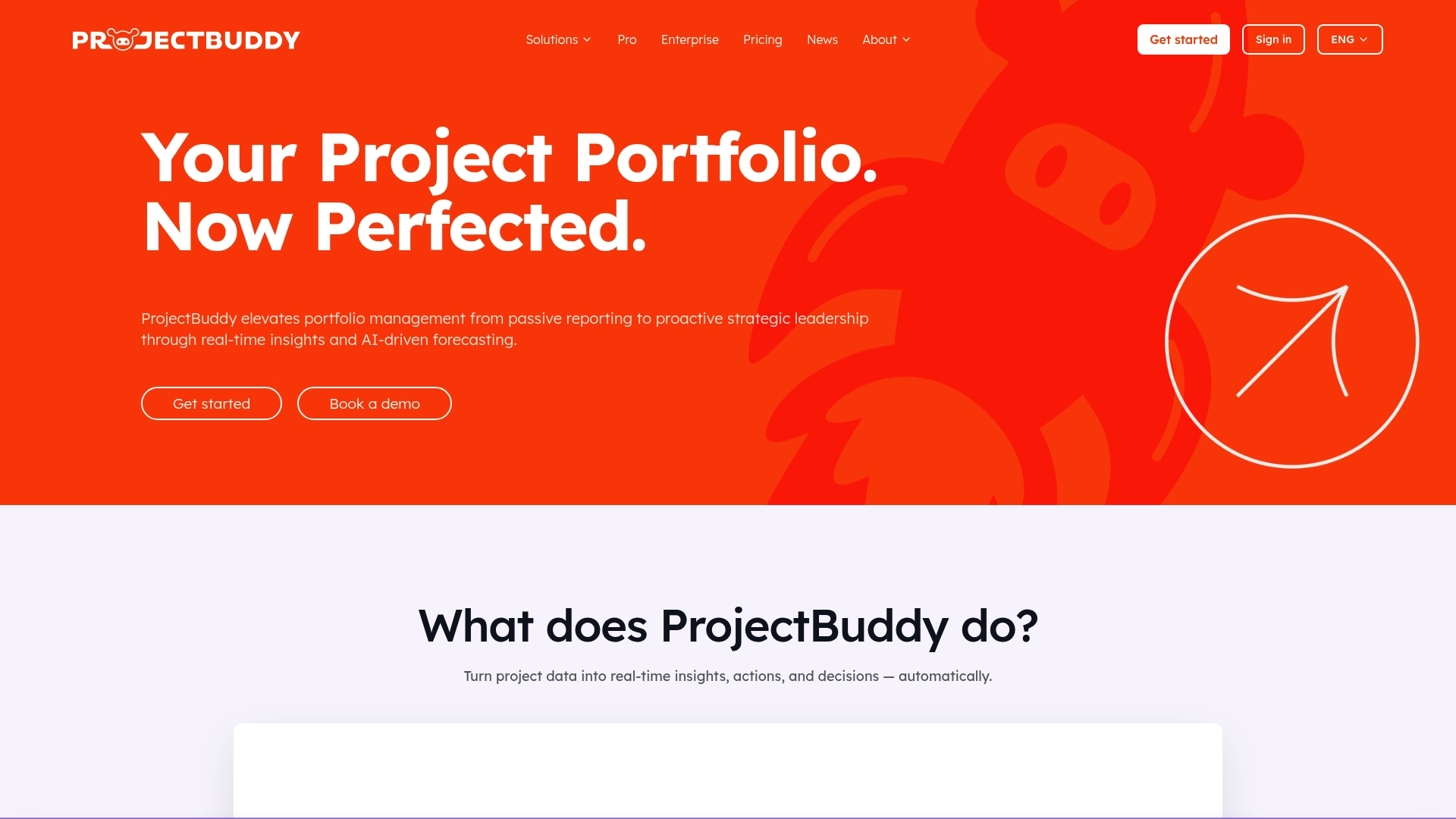
ProjectBuddy reports reducing manual administrative work by up to 15 hours/week. The platform pairs automated planning, forecasting, and real-time tracking to shift effort from status updates to leadership tasks. It targets organisations that need portfolio visibility and governance across many concurrent projects.
Core Features
ProjectBuddy combines AI-powered project planning with forecasting and risk monitoring so you can predict schedule and budget drift. It auto-generates status reports and offers AI chat support while centralising project documentation and collaboration. Enterprise accounts add portfolio-level dashboards and dependency management for cross-project oversight.
Key Differentiator
ProjectBuddy centres on real-time portfolio insights driven by AI models that surface risks and forecast outcomes. That focus on portfolio health links governance and planning in one interface. The approach favours leaders who need strategic signals rather than only task-level updates.
Pros
The vendor claims a notable reduction in administrative load, and that figure directly addresses teams spending hours on manual reporting. The platform provides holistic, real-time visibility across projects and portfolios, which helps PMOs spot interdependencies sooner. It also supports recognised frameworks such as PMBOK®, PRINCE2®, Agile, Scrum, Kanban, and CMMI®, making it easier to align governance with existing standards.
Cons
- No independent third-party reviews are listed, so usability and integration impressions rely on user reports.
- The platform may feel heavyweight for very small teams or simple single-project programmes.
- Buyers needing deep bespoke customisation for niche workflows may find the out-of-the-box features insufficient.
When It May Not Fit
If your team runs only one or two simple projects, ProjectBuddy's portfolio features add overhead rather than value. Organisations needing extreme, low-level customisation could require supplementary tooling or professional services. If you prioritise a lightweight task tracker for a single team, this option is likely oversized.
Who It's For
ProjectBuddy suits PMO leaders, senior project managers, and portfolio directors who require AI-driven oversight across many projects. It also fits organisations that must standardise governance and align projects to strategy. Teams wanting single-pane portfolio health and predictive risk signals will gain the most.
Real World Use Case
A large corporation uses ProjectBuddy Enterprise to monitor dozens of programmes, standardise reporting, and identify dependency-driven risks. The platform surfaces at-risk initiatives early, allowing governance boards to reallocate resources. That workflow shortens decision cycles and improves portfolio visibility for stakeholders.
Pricing
ProjectBuddy offers Pro at €95/month or €79/month with annual billing, and Enterprise at €249/month with custom options. Free trials are available for the Pro plan to test planning and reporting features. Enterprise pricing includes advanced dashboards and dependency management configured to organisational needs.
Website: https://projectbuddy.ai
PMPeopleAI
At a Glance
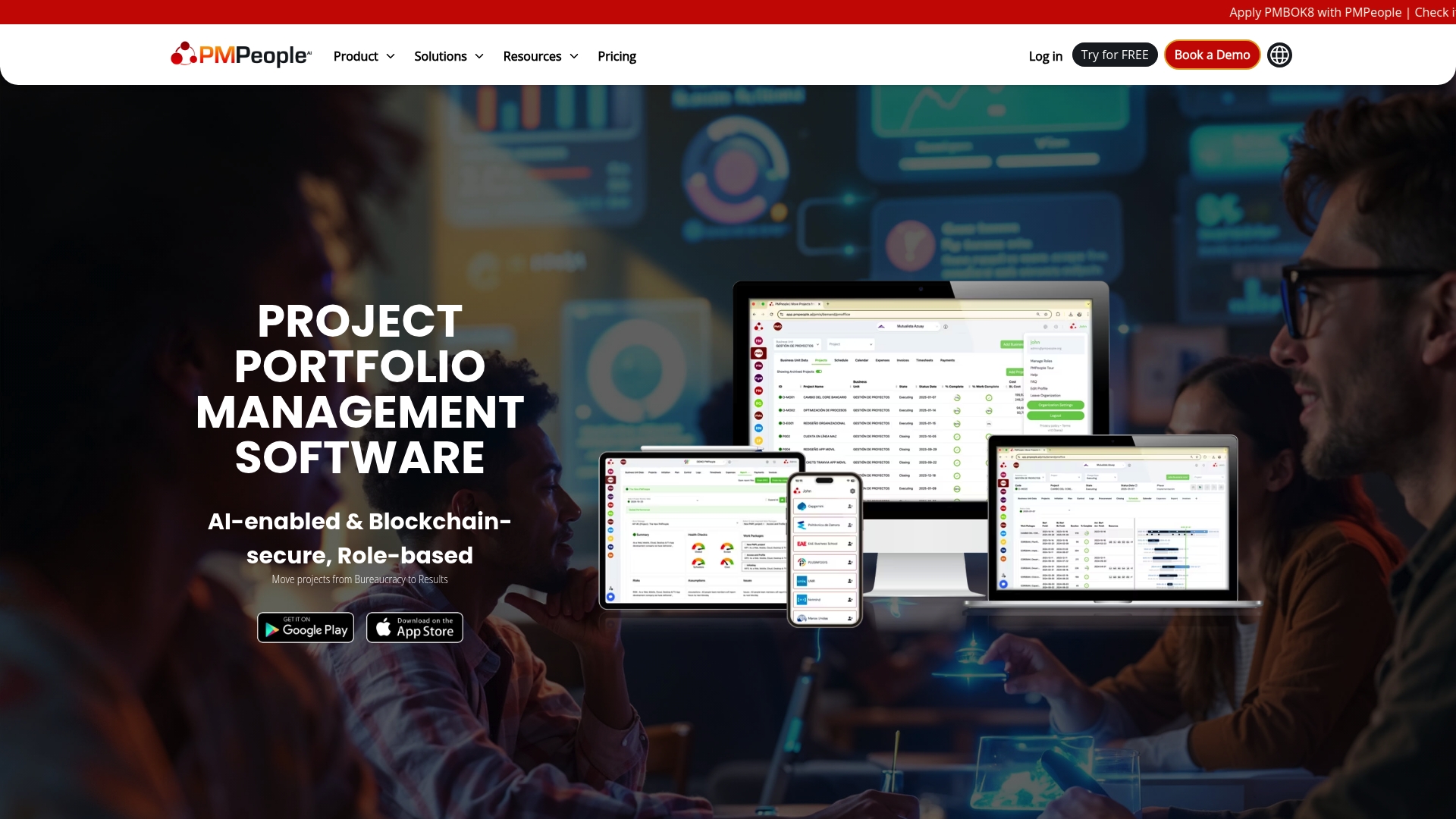
Role based collaboration across 12 roles sits at the core of PMPeopleAI. The platform adds blockchain certification for project status reports to support auditability. That combination targets portfolio governance with real time dashboards on mobile and desktop.
Core Features
PMPeopleAI maps responsibilities to twelve discrete roles and provides tools for project, programme, and portfolio governance. It integrates with scheduling and task tools such as Microsoft Project, Asana, and Jira and syncs documents from Google Drive, OneDrive, or Dropbox. Status reporting is blockchain certified and dashboards surface performance and risk metrics in real time.
Key Differentiator
The standout is the pairing of role based collaboration and blockchain certified project reporting. That approach places accountability into routine workflows and produces tamper evident status artifacts for audits. Organisations that must show traceable evidence for stakeholders will find this combination distinct.
Pros
PMPeopleAI supports both predictive and agile practices and the vendor states the system was developed by project managers. Integrations with mainstream schedulers and communication tools reduce duplicate work and preserve existing processes. The blockchain certification and role focus encourage clearer approvals and traceable reporting across teams.
Cons
- Limited third party review data, which makes independent validation of claims harder.
- Setup may be complex for organisations with diverse tools and entrenched processes.
- No explicit pricing is published, so procurement will require direct vendor engagement.
When It May Not Fit
If your organisation requires a highly specialised niche tool that sits outside mainstream portfolios, PMPeopleAI may not fit. Large ecosystems with bespoke connectors may face significant setup work and need professional services. Procurement teams that expect fixed published tiers will need to request pricing directly.
Notable Integrations
- Microsoft Project
- Asana
- Google Drive
- Slack
- Jira
- Google Chat
- Dropbox
- OneDrive
Who It's For
Project management professionals and PMOs seeking role based governance and clearer accountability will benefit from PMPeopleAI. Teams that need stronger traceability and audit evidence for reports will value the blockchain features. Organisations already using Microsoft Project, Asana, Slack, or Jira will see immediate integration value.
Real World Use Case
A multinational company managing over 300 projects across business units uses PMPeopleAI to centralise oversight. The platform links role responsibilities to live dashboards and certified reports to improve stakeholder communication. This helped standardise reporting and produce a single source of record for governance reviews.
Pricing
No standard pricing tiers are published on the vendor site. The vendor lists pricing as not applicable and treats engagement as informational only. Expect custom quotes that vary by organisation size, scope, and integration complexity.
Website: https://pmpeople.ai
OnePlan
At a Glance
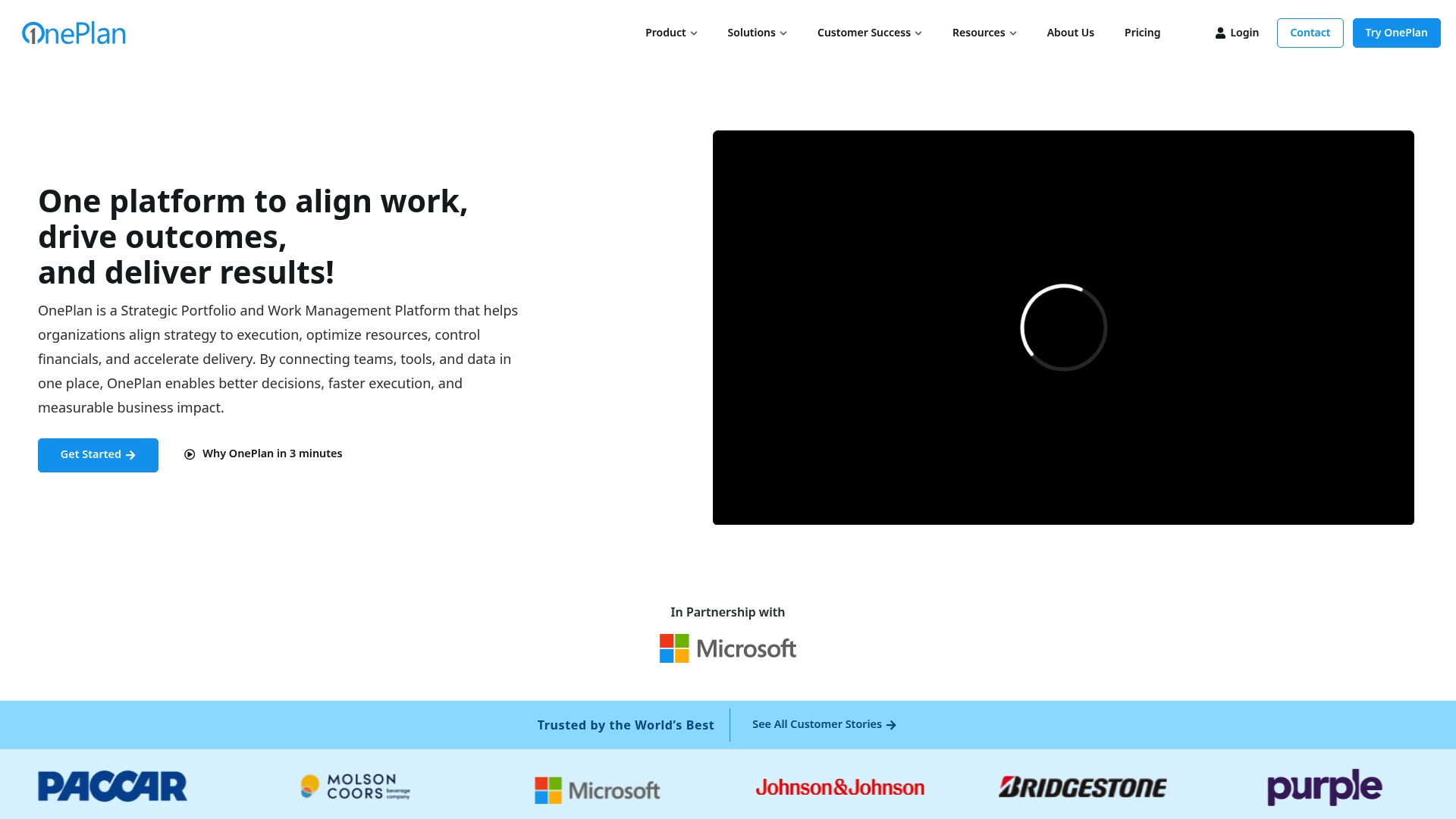
OnePlan's marketing materials state it was named Microsoft Partner of the Year for Project Portfolio Management for five consecutive years. That recognition signals deep alignment with Microsoft tools and enterprise procurement. The product also advertises an AI assistant called Sofia GPT to surface planning suggestions and forecasts.
Core Features
OnePlan centralises portfolio planning, financial planning, resource planning, work planning, and time tracking into a single platform. The platform supports agile, waterfall, and hybrid methods, and ties financials to investments so budget decisions follow actual portfolio priorities. Integration with Microsoft Project and Teams is built into the workflow to reduce data handoffs.
Key Differentiator
OnePlan stands out for its tight Microsoft ecosystem integration paired with its AI features. That combination helps organisations that already run Microsoft 365, Project, or Azure DevOps keep data and governance inside one supplier stack. It serves large enterprise procurement and governance needs rather than teams that prefer a lightweight, delivery first approach.
Pros
OnePlan connects natively to common enterprise tools, which reduces manual syncing between schedules and financials. Sofia GPT adds predictive prompts and planning suggestions that speed portfolio trade off discussions. The platform supports multiple delivery methods, so mixed methodology portfolios remain visible and comparable. The vendor highlights enterprise trust and award recognition, which simplifies procurement conversations for organisations already evaluating Microsoft aligned solutions.
Cons
- Setup and navigation can feel complex for smaller teams. Initial configuration and portfolio modelling may need specialist support.
- Advanced capabilities require formal onboarding and training to unlock their full value. Expect a learning curve for finance and PMO staff.
- Enterprise pricing is custom and may be expensive for small to medium sized organisations.
When It May Not Fit
OnePlan may not fit small teams that need a lightweight delivery tool. Organisations seeking a low touch, out of the box scheduling tool will find the platform heavy. If procurement cannot justify enterprise licensing, the custom pricing model could rule OnePlan out. Teams outside the Microsoft ecosystem will miss the primary integration advantage.
Notable Integrations
OnePlan lists direct connectors to Microsoft Teams, Microsoft Project, Microsoft Planner, Azure DevOps, Smartsheet, Jira, Trello, and Wrike. These integrations help keep assignments, reports, and schedules synchronised across common enterprise systems.
Who It's For
Large enterprises and government organisations that need portfolio level financial control and resource visibility. Teams invested in Microsoft 365 and Project will see the most benefit from the native connectors. PMOs that require formal governance, audit trails, and procurement friendly vendor credentials fit this profile well.
Real World Use Case
A multinational uses OnePlan to manage hundreds of projects and to align portfolios with corporate strategy. Project managers update schedules in Microsoft Project while portfolio managers view consolidated financials and capacity in OnePlan. Sofia GPT surfaces where budgets and capacity conflict, accelerating prioritisation decisions.
Pricing
OnePlan uses a tiered subscription model with a free tier, Basic at $10/user/month, and Professional at $30/user/month. Enterprise licences use custom pricing and are quoted per organisation, typically through the vendor sales channel.
Website: https://oneplan.ai
Planview Platform
At a Glance
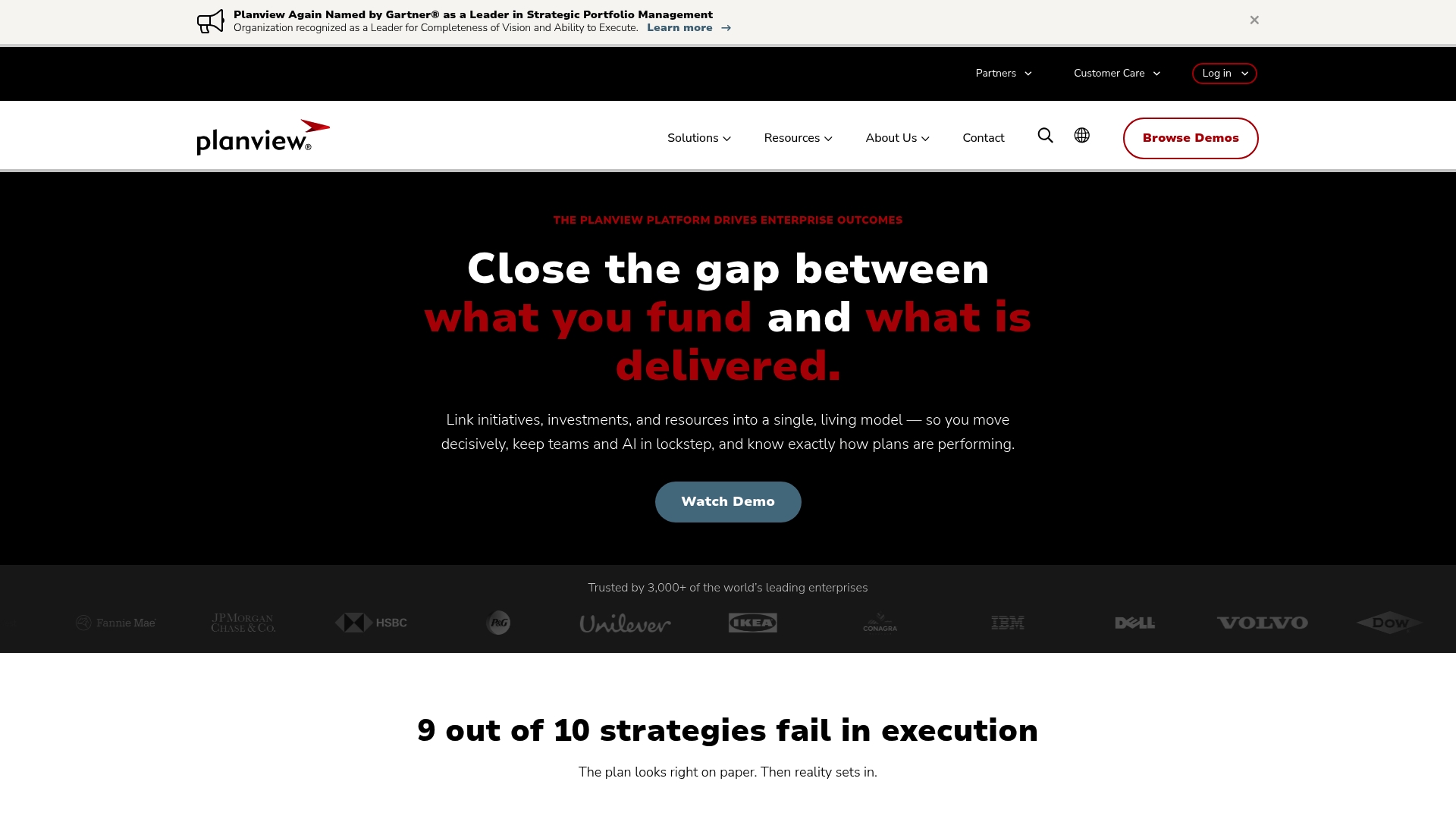
Planview Platform reports it is used by over 3,000 enterprises worldwide. The vendor advertises recognition by Gartner in Strategic Portfolio Management. The product ties strategic planning, funding, and delivery into a single live model to speed decisions and measure outcomes.
Core Features
The platform links initiatives, investments, and resources into a single live model and offers scenario planning and capacity optimisation techniques. It includes AI decision support via Planview Anvi and real time tracking of initiative performance. Cross functional portfolio and project management capabilities cover strategic planning through product development and value stream management.
Key Differentiator
Planview Platform is purpose built to connect strategy, funding, capacity, and outcomes end to end without heavy customisation. That design reduces the need to build separate connectors between strategic plans and delivery work. The outcome is a single system of record for executives and delivery teams.
Pros
The vendor advertises broad functionality across strategic execution and project delivery, which suits complex enterprise needs. The platform places clear emphasis on linking measurable outcomes back to funding and capacity so you can compare scenarios and priorities. AI assisted decision support and real time performance tracking aid governance and risk discussion across portfolios.
Cons
- Public pricing details are not readily available. This makes initial budget planning difficult for procurement teams.
- Feature breadth creates a steep learning curve and may require extensive onboarding and governance changes.
- Implementation and configuration can be costly for large deployments, especially where legacy systems require integration.
When It May Not Fit
Small organisations or teams with simple portfolios may find the platform overkill. If you lack dedicated change or training resources, adoption will slow. Organisations seeking a lightweight tool for a single project will find the scale and cost structure unsuitable.
Notable Integrations
The product integrates with common enterprise delivery and ITSM tools. Integration options include:
- Jira for developer work and backlog synchronisation.
- ServiceNow for IT service and change workflows.
- Microsoft Azure DevOps for pipeline and work item linking.
- Planview Portfolios, Pivotal Tracker, Micro Focus PPM, Open API and Zapier support wider connectivity.
Who It's For
Large organisations with complex portfolios and multiple funding streams will benefit most. The platform suits enterprises that need to reconcile strategic plans with delivery capacity and outcomes. It also fits organisations that can commit implementation and training resources.
Real World Use Case
A multinational bank consolidates multiple portfolios and projects into Planview to improve transparency and accelerate decision making. Portfolio leads use scenario planning to rebalance investment under capacity constraints. That approach helped the bank respond faster to market changes and align spending with strategic priorities.
Pricing
The vendor does not publish standard pricing and lists pricing as not applicable for public display. Pricing appears to be tailored to enterprise scale and feature set, with implementation costs separate. Contact sales for a customised quote and scope assessment.
Website: https://planview.com
Comparison of alternatives
Pocket PMO surpasses its competitors with its advanced AI-driven features that automate reporting and simulate project impacts, enabling quicker decision-making and insights into ongoing projects.
Traceability and governance
While Pocket PMO delivers automated insights into project health, PMPeopleAI excels in traceability due to its blockchain certification capabilities. This feature ensures that audit trails are tamper-proof, addressing governance requirements in regulated industries—a priority for organisations requiring deep accountability measures.
Integration versatility
Pocket PMO provides core functionality with optional Microsoft 365 integration, making it straightforward for newcomers keen on rapid deployment. Comparatively, OnePlan offers extensive integration within Microsoft-based environments, streamlining communication and portfolio connectivity for enterprises already invested in Microsoft software. However, OnePlan may demand more formal setup and training, presenting challenges for smaller teams.
Best fit
- Teams needing fast automated reporting and predictive insights within commonly used methodologies will find Pocket PMO most straightforward and valuable.
- PMOs prioritising traceability for audit compliance systems should consider PMPeopleAI for blockchain-certified reporting.
- Large enterprises heavily aligned with Microsoft ecosystems will benefit from OnePlan’s deep integration capabilities.
- Organisations aiming to structurally align strategic execution with funding outcomes and portfolio priority should explore Planview Platform for its scenario planning and capacity optimisation workflow.
Our pick
Pocket PMO is recommended in scenarios requiring rapid access to project insights with minimal setup overhead, benefiting delivery professionals focused on timely intervention and governance enhancement. For teams requiring niche traceability or integration into established enterprise systems, alternative platforms might offer closer alignment with organisational goals.
Here is a concise comparison of project portfolio management software products to assist you in selecting the most appropriate for your requirements:
| Product | Key Features | Standout Attribute | Limitation | Pricing |
|---|---|---|---|---|
| Pocketpmo | AI-driven workflows, predictive insights | Simplifies decision-making with AI | Limited for highly regulated industries | From £30/month |
| ProjectBuddy | AI-supported planning, portfolio dashboards | Comprehensive portfolio management | Oversized for simple projects | €79/month billed annually |
| PMPeopleAI | Role-based governance, integrates multiple tools | Blockchain certifications for audits | Setup complexity for diverse toolsets | Price not published |
| OnePlan | Integrated financial and resource planning | Alignment with Microsoft ecosystem | Requires training for advanced capabilities | $30/user/month |
| Planview Platform | Scenario planning, ties funding to outcomes | Strategic portfolio execution | Steep learning curve for broad features | Price not published |
How Can You Improve Project Governance Beyond PMO-360.com Alternatives?
Finding a PMO solution that reduces manual reporting and delivers real-time project insights can be challenging. Pocketpmo offers a specialised AI-powered platform that drafts status updates, logs risks, and simulates project impacts from day one. This ease of use saves time and supports PMOs, project managers, and consultancies managing multiple projects with different methodologies.
• Real-time dashboards showing completion probability and execution friction • One-click snapshot reports for faster stakeholder communication • AI-driven risk management alongside portfolio governance
See how Pocketpmo can help you start optimising delivery now. Visit Pocketpmo homepage to test AI-assisted project reporting and risk analysis for your team today.
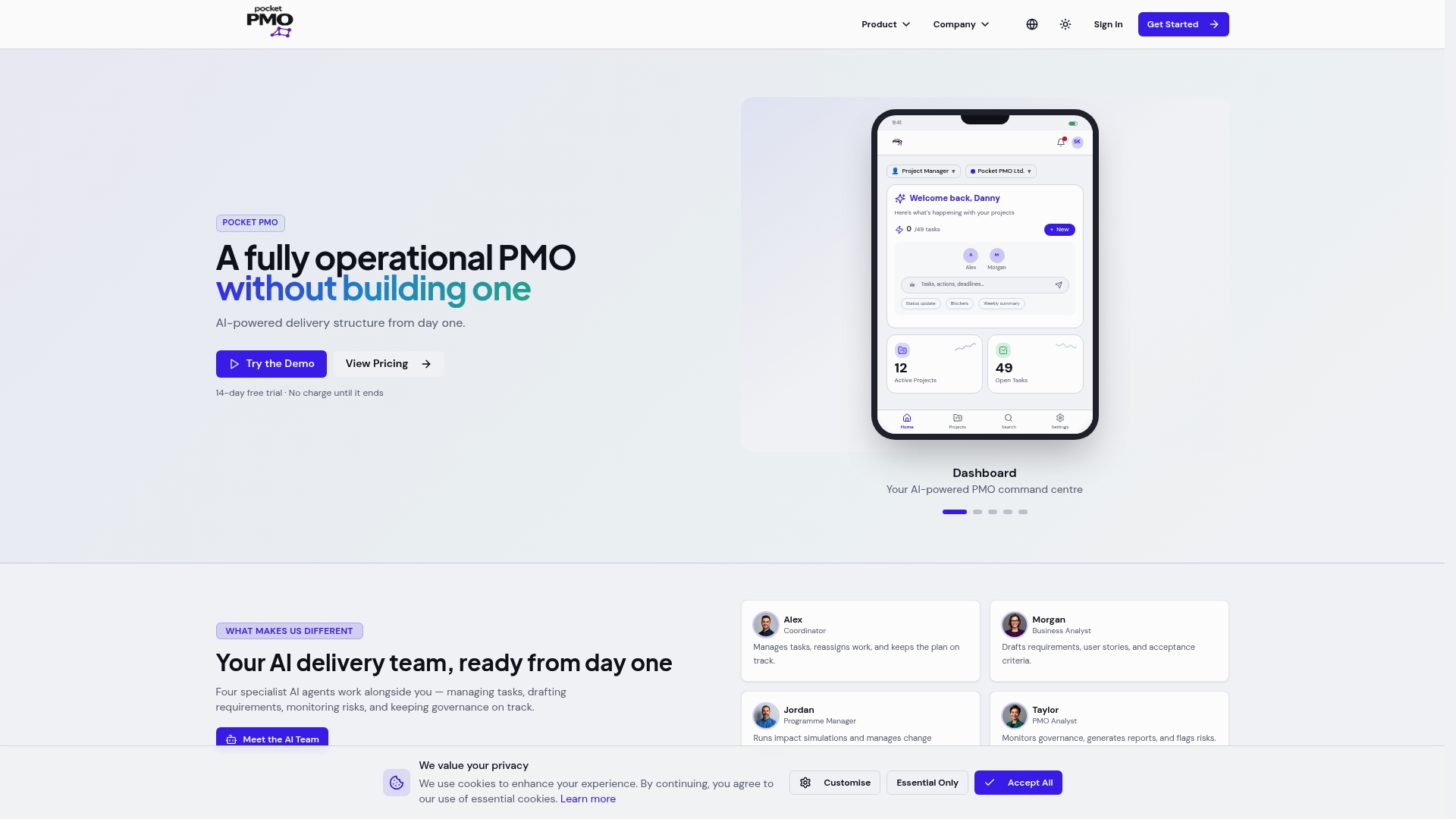
Get instant predictive insights and quick project snapshots with Pocketpmo. Take a closer look at AI-powered dashboards that reduce your manual workload.
FAQ
How does Pocketpmo help with automated project reporting?
Pocketpmo automates report generation and status updates, saving your team time and effort. This feature allows you to focus on actionable insights rather than manual slide preparation. You can expect a smoother reporting process with minimal overhead.
What is the difference between ProjectBuddy and Pocketpmo?
ProjectBuddy excels in reducing manual administrative work by up to 15 hours per week due to its AI-driven features aimed at portfolio visibility. Pocketpmo, however, optimises for live project insights, making it the ideal choice for teams needing quick stakeholder reporting.
Which platform offers one-click snapshot reports?
Pocketpmo provides one-click snapshot reports, simplifying the reporting process for stakeholders. This feature allows you to quickly export essential information without extensive setup. As a result, you'll spend less time on report creation and more on delivery management.
Can I use Pocketpmo if my organisation requires extensive custom integrations?
Pocketpmo is ideal for teams that do not require heavy custom integrations, focusing instead on ease of deployment. While it may not meet the needs of highly regulated organisations, it still offers excellent functionalities for general project management.
Does Pocketpmo support risk management?
Yes, Pocketpmo actively manages risks, issues, and dependencies while providing alerts and AI insights for status reporting. This capability enhances your ability to mitigate risks effectively during project execution. It allows teams to respond swiftly to emerging challenges.