

Project workflow automation is the systematic use of software to trigger, route, and complete task sequences within a project without manual intervention. Where project management automation handles broad functions like reporting and billing, workflow automation specifically controls how work moves between people, tools, and approval stages. As Ruaidhri Nolan notes, workflow management governs the movement of work, not just the planning of it. That distinction matters. Teams that automate workflows reduce manual coordination, catch delays earlier, and deliver more consistently across every project they run.
What is project workflow automation and how does it differ from general project automation?
Project workflow automation is defined as the use of trigger-based rules and logic to move tasks, approvals, and notifications through a predefined sequence without human prompting. Workflow management provides a repeatable, visible delivery path that reduces manual coordination and allows faster project progress. General project management automation covers a wider scope, including scheduled reporting, billing triggers, and resource tracking. Workflow automation is the narrower, more precise discipline: it maps the exact sequence of steps that work must follow, then automates the handoffs between them.
The difference is practical. A project manager using general automation might auto-generate a weekly status report. A project manager using workflow automation sets up a rule that automatically assigns a design task to the next available designer the moment a brief is approved, then notifies the client when the first draft is ready. The second scenario removes three manual steps and two potential delays.

Core components: triggers, actions, rules, and logic
Workflow automation software uses four core components to manage complex task sequences.
- Triggers are the events that start a workflow. A form submission, a status change, or a due date passing can all act as triggers.
- Actions are what the system does in response. Examples include assigning a task, sending a notification, updating a field, or moving a card to a new stage.
- Rules define the conditions that must be met before an action fires. "If priority is High and assignee is unset, assign to the team lead" is a rule.
- Logic handles decision points. When a workflow branches, logic determines which path it follows based on data values or user inputs.
Unlike simple task automation, workflow automation manages multi-step processes with decision points and handoffs between people and systems. That complexity is precisely what makes it valuable for project delivery.
One-way and bidirectional automation
Automation can be one-way or bidirectional, syncing data and updates across tools to reduce manual effort and errors. One-way automation pushes information in a single direction, such as creating a task in one platform when a ticket is raised in another. Bidirectional sync keeps both platforms updated in real time, so a status change in either tool is reflected everywhere. For teams working across multiple platforms, bidirectional sync removes the risk of conflicting data and missed updates.
Pro Tip: Before selecting an automation tool, map every handoff point in your current workflow. Automation that skips an undocumented handoff will create gaps, not efficiency.
What are the benefits of implementing project workflow automation?
Automated workflows improve execution consistency, reduce delays from manual coordination, and enable early detection of project risks. Automated workflows ensure critical activities are triggered and completed on time without heavy manual intervention. That reliability compounds over time: teams that automate routine handoffs build a delivery rhythm that is far harder to achieve through manual coordination alone.
The benefits extend beyond speed.
- Fewer errors. Automated rules apply the same logic every time. Manual processes rely on individuals remembering steps, which introduces variation.
- Greater visibility. When work moves through defined stages automatically, every team member and stakeholder can see exactly where a project stands.
- Faster delivery. Removing manual follow-ups and approval chases cuts days from typical project cycles.
- Scalable execution. Small teams can manage more projects without adding headcount when routine tasks run automatically.
- Higher team morale. Workflow automation increases team autonomy by reducing the need for manual check-ins, allowing focus on value-driven work.
The expert case for automation is direct:
"Project management automation acts as a force multiplier by managing busy work and enabling small teams to handle complex projects without growing headcount. Automating status reporting and task notifications allows teams to scale efficiently."
— Lam Tran Van Ba
That framing is worth holding onto. Automation does not replace project managers. It removes the administrative burden that prevents them from doing their best work.
What are the common pitfalls when adopting workflow automation?
The most common mistake teams make is automating a process that is not yet stable. Automating chaotic or undocumented processes amplifies inefficiency rather than resolving it. Standardisation must precede automation. Without it, automation produces faster but flawed execution, and adoption rates suffer.
The pitfalls follow a predictable pattern:
- Automating before documenting. If your team cannot describe a workflow in writing, automating it will produce inconsistent results. Write the process out first.
- Over-automating too quickly. Starting with every workflow at once creates confusion. Begin with the highest-volume, most repetitive tasks and expand from there.
- Ignoring the human role. Automation offloads routine tasks so project managers can focus on decision-making and risk management. It does not replace judgement. Build in human review points for complex decisions.
- Skipping team training. Automation tools only deliver value when the team understands how to use and maintain them. Invest in onboarding before launch.
- Failing to review and update. Workflows change as projects evolve. An automation rule that was correct six months ago may now route work to the wrong person or stage.
The underlying principle is straightforward. Automation is a multiplier, not a fix. It makes good processes faster and bad processes worse. Stabilise the process first, then automate it.
Pro Tip: Run a two-week manual test of any new workflow before automating it. Identify every exception and edge case. Build those into your automation rules from day one.
How to implement project workflow automation effectively
Effective implementation follows a clear sequence. Skipping steps, particularly the documentation and standardisation phase, is the single most common reason automation projects fail to deliver.
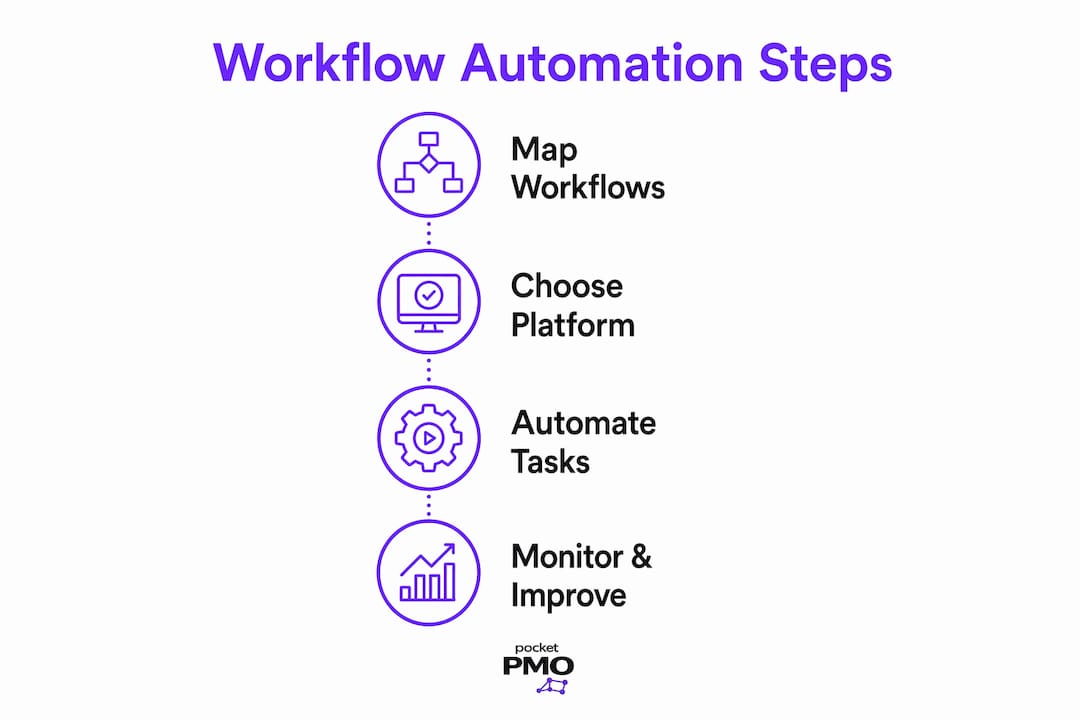
Step 1: Map and standardise existing workflows
Write down every step in the workflows you plan to automate. Identify who is responsible for each step, what triggers the next step, and where delays most commonly occur. Consult the types of project management workflows relevant to your team before designing automation rules. Standardise the process so it runs consistently before any automation is applied.
Step 2: Choose the right automation platform
Select a platform that matches your team's technical capability and workflow complexity. Entry-level tools suit simple, linear workflows with basic trigger-and-action rules. Enterprise platforms handle multi-step, multi-team workflows with conditional logic, role-based assignments, and cross-tool integration. No-code workflow design features, dynamic intake forms, and automated role-based assignments reduce manual follow-ups and give managers clearer oversight without requiring developer support.
Step 3: Start with routine, high-volume tasks
The highest return comes from automating tasks your team repeats most often. Common starting points include:
- Task assignment on project intake
- Approval routing for deliverables
- Status update notifications to stakeholders
- Deadline reminders and escalation alerts
- Onboarding checklists for new projects
A practical task management workflow approach helps teams identify which tasks are genuinely repetitive versus which ones require human judgement each time.
Step 4: Monitor, review, and improve
Automation requires ongoing maintenance. Review workflow performance monthly. Track where tasks stall, where rules fire incorrectly, and where exceptions are handled outside the system. Use that data to refine your rules and expand automation to adjacent processes.
| Implementation stage | Key action | Success indicator |
|---|---|---|
| Map workflows | Document every step and handoff | Process is written and agreed by the team |
| Standardise | Remove variation and exceptions | Workflow runs consistently without automation |
| Automate | Apply triggers, rules, and actions | Tasks route correctly without manual input |
| Monitor | Review performance and exceptions | Error rate and delay frequency decrease |
| Improve | Refine rules and expand scope | Automation covers more workflows over time |
For teams managing stakeholder-heavy projects, community engagement planning before project launch can also benefit from automated intake and approval workflows, particularly where public consultation stages require structured sign-off.
Key takeaways
Project workflow automation delivers consistent, faster project delivery only when built on standardised, well-documented processes.
| Point | Details |
|---|---|
| Define before automating | Document every workflow step and standardise it before applying any automation rules. |
| Use triggers and logic | Effective automation relies on triggers, actions, rules, and logic to manage multi-step handoffs. |
| Start with repetitive tasks | Automate high-volume, routine tasks first to build confidence and demonstrate value quickly. |
| Automation multiplies process quality | Good processes become faster; undocumented processes become faster and more chaotic. |
| Review automation regularly | Workflows evolve, so automation rules must be updated to reflect current team structures and priorities. |
Why I think most teams are automating in the wrong order
The teams I see struggle most with workflow automation are not struggling because the technology is too complex. They are struggling because they automated before they understood their own processes. A trigger-based rule cannot compensate for a workflow nobody has agreed on. The automation fires, the task lands in the wrong queue, and the team loses confidence in the whole system within a fortnight.
The teams that get it right do something counterintuitive. They slow down before they speed up. They spend two or three weeks running the workflow manually, logging every exception, and agreeing on every decision point. Only then do they automate. The result is a system that works from day one, because it reflects how the team actually operates rather than how someone assumed they operated.
The other misconception I encounter regularly is that automation is a one-time project. Teams treat it as a deployment task: set it up, tick the box, move on. The best-performing teams treat automation as a living system. They review it quarterly, update rules when team structures change, and expand scope as confidence grows. That mindset shift, from deployment to continuous improvement, is what separates teams that genuinely benefit from automation from those that revert to spreadsheets after three months.
If you are a project manager considering automation for the first time, start with the AI-driven workflow approaches that are already reshaping delivery in 2026. The technology is more accessible than it has ever been. The discipline of documenting your process first remains the non-negotiable foundation.
— Danny
How Pocketpmo supports project workflow automation
Pocketpmo is built for project managers who need automation to work from day one, without months of configuration or a dedicated IT team.
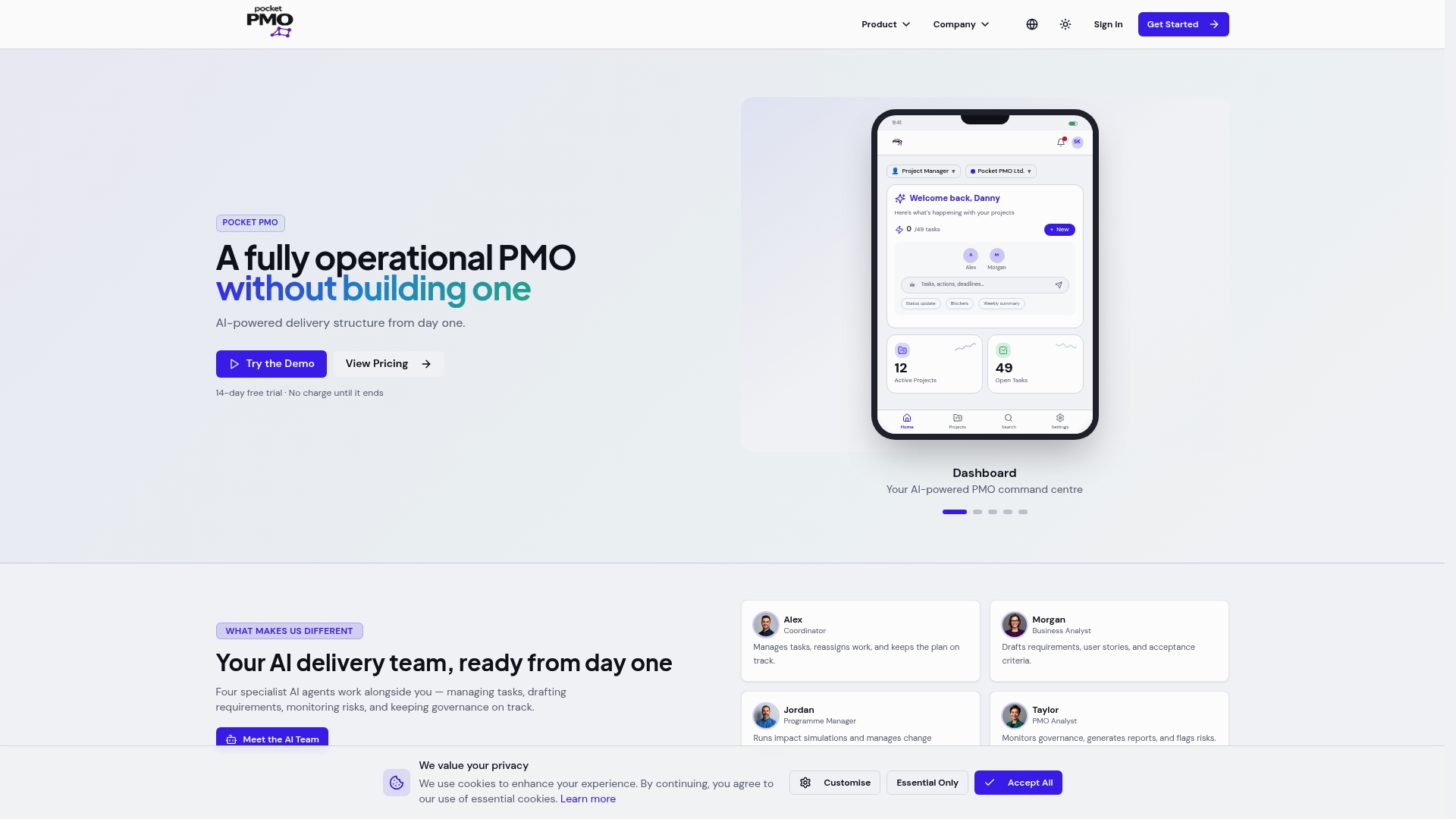
The platform combines real-time dashboards, AI-driven risk analysis, and automated change request workflows into a single delivery environment. You get automated status reporting, task assignment rules, and approval routing built directly into the project lifecycle. Pocketpmo acts as a fully operational PMO, handling the administrative layer of project delivery so your team focuses on outcomes. If you are evaluating your options, the Pocketpmo platform overview shows exactly how automation features map to real project delivery scenarios. You can also see how Pocketpmo compares on the Pocketpmo vs Microsoft Project page.
FAQ
What is project workflow automation in simple terms?
Project workflow automation is the use of software rules to move tasks, approvals, and notifications through a project automatically, without manual prompting. It removes repetitive coordination steps so teams can focus on delivery.
How does workflow automation differ from project management automation?
Project management automation covers broad functions like reporting and billing. Workflow automation specifically controls how work moves between people and stages, managing the sequence of handoffs within a project.
What tasks are best suited to workflow automation?
High-volume, repetitive tasks deliver the best return. Task assignment on intake, approval routing, deadline reminders, and status update notifications are the most common starting points for teams new to automation.
Do you need technical skills to implement workflow automation?
No-code workflow design tools allow project managers to build and manage automation rules without developer support. Most modern platforms use visual builders with drag-and-drop logic for triggers and actions.
What happens if you automate a poorly defined workflow?
Automating an undocumented or inconsistent workflow amplifies the existing problems. Tasks route incorrectly, exceptions pile up outside the system, and team adoption drops. Standardise the workflow first, then automate it.